
Key takeaways
- ✓ Most multi-location businesses run each branch on one employee's personal WhatsApp, which means no backup when that person is out, no head-office visibility, and no shared history
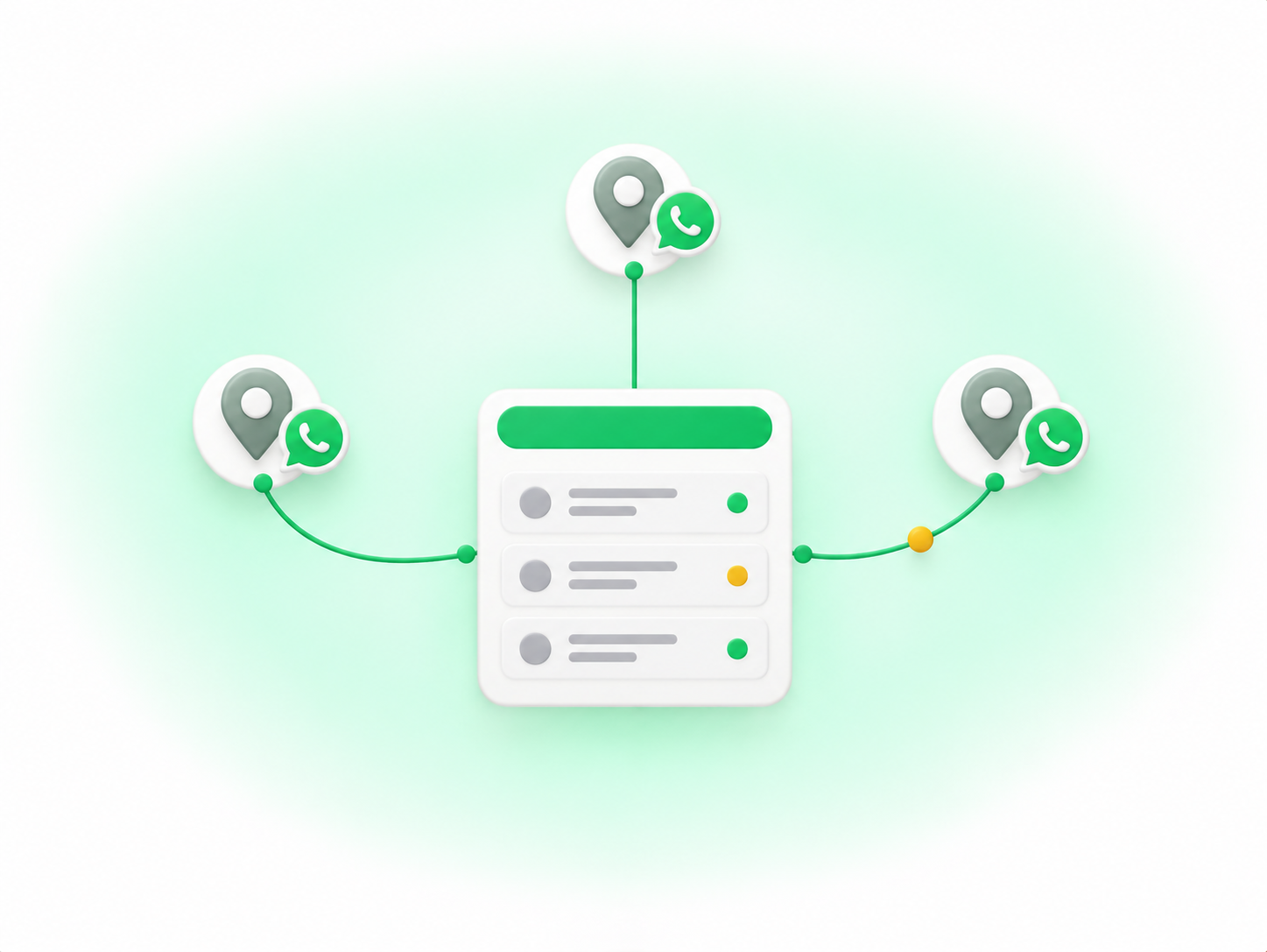
- ✓ Clapvo's model is one connected WhatsApp number per location inside one organization, so every branch number feeds the same shared inbox and the same dashboard
- ✓ Numbers connect by scanning a QR code under Linked Devices, like WhatsApp Web; Clapvo is a workspace on top of your numbers, not the official WhatsApp Business Platform and not a Meta-approved API provider
- ✓ Each connection is billed separately: $25 a month for the first connection, $15 a month for each additional one as an add-on, and the trial includes 3 connections for 7 days with no credit card, checked on clapvo.com/pricing in October 2026
- ✓ Clapvo has no native branch field, so branch is handled with tags on contacts and conversations, plus a naming habit your team agrees on
- ✓ Clapvo does not restrict a user to one branch's number: documented roles are scoped by module and action (such as viewing or deleting chats), not by connection, so a small chain where an owner or manager needs cross-branch visibility is a fit and a large chain needing strict per-branch data walls is not served today
What does multi-location WhatsApp usually mean?
Searches for this topic cover a few different situations, and they need different answers. Some businesses want one number for the whole brand, with messages sorted to the right branch behind the scenes. Others want a separate number per location, because customers think of "the Westside shop" and not "the company." Franchise owners, clinics, salons, restaurants, and regional retailers all land in one of these two camps.
What they share is a set of worries. Who is answering right now? What happens when that person is out? Can head office see what customers are being told? Is the history stored somewhere the business owns, or in someone's pocket?
Our guide to using multiple WhatsApp numbers for a business covers the general case, and the post on a second WhatsApp number for business covers how an extra number gets set up. This post sticks to the multi-location version of the problem, and to the second camp: one number per branch.
Why do branches end up on personal phones?
It is almost never a decision. A manager opens a branch, gives customers a number, and uses the phone already in their pocket. It works because there are only a few messages a day. Then the branch gets busy, a second person starts helping, and the phone gets passed around or, more often, nobody else is allowed near it.
The cost shows up in three places. There is no backup, because a message to a phone that is switched off or on holiday goes unanswered. There is no oversight, because head office cannot see a conversation it is not part of. And there is no shared history, so a customer who writes to Branch A after visiting Branch B starts from zero. Our post on WhatsApp shared inbox pricing looks at what moving off that setup costs.
How does Clapvo's connection model work?
Clapvo is a WhatsApp workspace: a shared inbox, a dashboard, campaigns, and team tools built around the numbers you already use. It is not the official WhatsApp Business Platform, and it is not a provider of Meta's WhatsApp Business API. A number connects the way WhatsApp Web does. Per the Connect WhatsApp guide, you open Linked Devices in WhatsApp on the phone, choose Link a Device, and scan the QR code on screen. If you want the official platform with its own onboarding and approval process, that is a different product category, and Clapvo is not it.
For a chain, the useful part is what happens after connecting. The connections page in the docs describes "the WhatsApp numbers connected to your organization" and says each connected number powers your shared inbox and outbound campaigns. One organization, several numbers. The model is simple: one connection per branch number, all inside one organization, all feeding the same inbox your team works from.
Visibility is the second piece. The dashboard shows phone status for each connected number in one place, and per the docs it "updates in real time over a socket connection," so nobody needs to refresh. The connections page also shows which numbers are online and which need attention, and a changelog entry from June 25, 2026 notes that the organization owner receives an email notification when a number disconnects automatically. For an owner who today has no idea whether Branch B's WhatsApp is even working, that is a real change.
Each connection also holds its own slot. The add-connection documentation says each number runs on a dedicated server slot, so deliverability is isolated per connection. A problem on one branch's number is not meant to spill onto the others.
Campaigns follow the same logic. A changelog entry from June 17, 2026 describes a randomize sender option that spreads campaign sends across multiple connected WhatsApp numbers. That suits a head-office announcement to customers across all branches, though think about whether a message from the "wrong" branch number would confuse people before you use it.
One more piece matters if you build your own tools. Clapvo has an API at api.clapvo.com, authenticated with an x-api-key header. Per its introduction, it sends messages from numbers already connected to your account, and the from field must be one of them. It is Clapvo's own layer on top of your connected numbers, not access to Meta's Cloud API.
What is the honest limit: no per-branch access restriction?
Clapvo does not currently restrict a team member to one branch's number. Read this part before anything else.
Clapvo does have roles. Admins can create custom roles with granular permissions, and the create a role page says you toggle permissions for each module and action a role can access, with examples such as letting a role view chats but not delete them. The changelog adds role-level control over who can delete a single message or clear a whole conversation, and an option to hide customer phone numbers from specific agents. Those are useful controls. But they are scoped by feature and action. Nothing in the documentation we checked in October 2026 lets you say that one user only sees the Branch A number, or that a branch manager cannot open another branch's conversations.
In practice, everyone with access to the workspace works inside the same organization. A role can limit what someone does, but the documentation does not describe a way to limit which connection's chats they can see. If a feature like that exists or arrives, we will update this post, but we are not going to describe it as if it does today.
Who does that suit? A small chain, say two to six locations, where the owner or a regional manager wants to see across branches and the team is comfortable sharing a workspace. A franchise group with a handful of owner-operated units who are happy to share a view. A clinic group or salon chain where the problem is that nobody can see anything, not that people can see too much.
Who is it not for? A larger chain where each branch manager must be walled off from other branches' customer data, whether for privacy policy, contractual reasons, or internal politics. If you need strict per-branch data separation, Clapvo does not serve that today, and you are better off with a tool that does.
Some tools advertise a single number with location-based routing, where branch managers only see their own conversations. That is a different model, and Clapvo does not offer it. Clapvo also has no routing layer that sorts incoming messages by location. Each branch has its own number, and customers choose the branch by choosing the number.
How do you set up each branch, step by step?
The setup is short. Sign in at app.clapvo.com, and for a new organization the QR pairing flow opens automatically. On the phone that holds the Branch A number, open WhatsApp, go to Settings, then Linked Devices, choose Link a Device, and scan the code. Keep the phone nearby with WhatsApp open until pairing finishes.
You will be asked about chat history. Per the add-connection docs, you can connect without syncing old chats and start with an empty inbox, or sync all previous chats and bring the full history in. For a branch with a long customer history, syncing is usually worth it, because the whole point is that the record stops living on one phone.
Then repeat for Branch B and Branch C. From the Connections module, choose Add connection and run the same QR flow with each branch's phone. After that, check the dashboard: every number should show a healthy status in one view. If one does not, the docs point you to the reconnect guide. The changelog notes that connected numbers carry over after product updates, so you should not have to rescan after routine changes.
Next, invite your team using the invite-a-user flow and assign roles. Because roles are not branch-scoped, think about the role itself: who can delete messages, who can manage campaigns, and whether branch front-desk staff should have customer phone numbers hidden. Our guides on setting up a WhatsApp team inbox and giving multiple agents access to WhatsApp walk through assignment and handoff habits that matter more once several people share numbers.
Finally, handle the branch question yourself, because there is no native branch field. The simplest habit is tags. Create one tag per branch, such as branch-westside, and apply it to contacts and conversations when they first arrive. Agree on the naming up front, because tags only work if everyone uses them the same way. A filter by tag then shows one branch's customers. Tags organize the view, they do not restrict it, which is the same limit described above. If your branches also track leads and follow-ups, read whether you need a WhatsApp CRM before adding more structure than the team will use.
What does a multi-location setup cost?
Billing is per connection. The pricing page, which we checked in October 2026, lists Gold at $25 per connection per month for the first connection. Per Clapvo's billing documentation, each additional WhatsApp connection is a $15-a-month add-on, not a second full-price connection. So three branches on three numbers costs $25 for the first connection plus $15 each for the other two, $55 a month total. The free trial includes 3 connections for 7 days with no credit card required, which is enough to pair every branch of a three-location business and see how it feels before paying.
The pricing page is the source of truth, and it may differ from older figures elsewhere, including some older posts on this blog. Confirm the current numbers on the page before you budget.
The cost worth comparing is not a tool against nothing. It is a tool against what you spend today: staff time spent forwarding screenshots, customers missed during holidays, and an owner who finds out about a problem a week late.
Where to start
If your branches each run WhatsApp from somebody's personal phone, the first job is getting those numbers into one place the business controls. Clapvo is built for that: a shared WhatsApp workspace where each branch keeps its own number, and the owner and team see everything in one inbox and one dashboard.
Start the 7-day trial at app.clapvo.com, pair your three busiest branch numbers, create a tag per branch, and invite the owner and one manager. Run it for a week and check the dashboard daily. If cross-branch visibility is what you were missing, you will notice by the second day. If you discover you need strict per-branch walls, you will notice that too, and it is better to find out during a free trial.