
Key takeaways
- ✓ Connecting several agents is the easy part; the real work is assignment, ownership, notes, and handoffs
- ✓ The WhatsApp Business app has a basic multi-agent feature, but it still runs on one shared session with no separate logins
- ✓ Chat assignment gives each conversation one owner, which is what stops double replies
- ✓ Private notes are the handoff tool: context travels with the conversation, not in someone's head
- ✓ A shared queue makes shift changes and sales-to-support handoffs clean, so no thread goes dark
Can multiple agents work the same WhatsApp number?
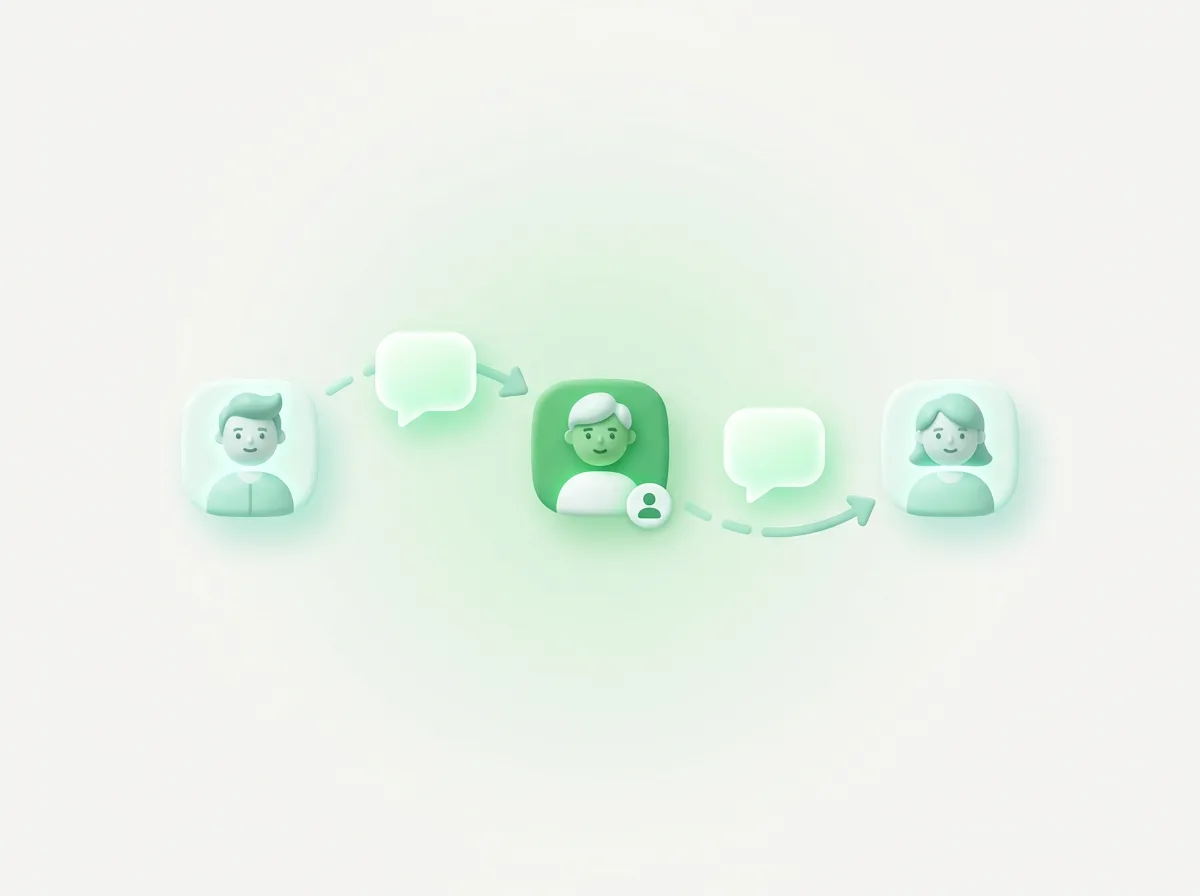
Yes, multiple agents can work the same WhatsApp number, but the hard part is not getting everyone connected. It is deciding who owns which conversation, how context passes from one person to the next, and what happens at the end of a shift. That workflow layer is where most teams of three to twenty actually struggle.
Most guides answer a different question. They show you how to link devices or which tool to buy, then stop. This one is about the part nobody covers well: how work moves between people on a single number. Assignment, private notes, queue visibility, shift changes, and the sales-to-support handoff.
If you only need to know whether several people can share one login, we have separate guides on WhatsApp Business multiple users and multiple devices. This post assumes you are past that question and now need the team to operate without collisions, dropped threads, or a customer repeating themselves to the third person who picks up.
What the WhatsApp Business app gets right about multiple agents, and where it stops
The WhatsApp Business app now ships a basic multi-agent feature, and it is worth being accurate about what it does. With multi-agent, you connect more devices to the account and assign chats to specific people, so a small sales team can split incoming conversations instead of all crowding one screen.
That is real, and for a two or three person team it can be enough. The limits show up as the team grows. The feature is built on linked devices, so everyone is still working one shared account rather than logging in as themselves. There is a hard ceiling on connected devices, no separate password per agent, and the assignment is light: a way to route a chat, not a full record of who said what and when.
What you do not get is the workflow scaffolding around the message. No private notes that travel with a conversation. No queue a manager can read at a glance. No clean way to hand the open threads from the morning shift to the afternoon one. The app treats the number as a shared mailbox. A growing team needs the number to behave like a shared workspace, which is a different thing.
How does chat assignment decide who owns a conversation?
Chat assignment gives every conversation exactly one owner at a time, which is the single rule that kills double replies. When a thread is assigned to Ana, Bruno can see it but knows it is not his to answer, so the customer never gets two different responses to the same question.
Assignment usually works one of two ways, and good teams use both. Automatic routing sends new conversations to whoever is on shift or next in line, so nothing lands in a no-owner limbo. Manual reassignment lets an agent hand a specific thread to a teammate who is better placed to handle it, for example a Portuguese speaker or the rep who started the deal.
The quiet benefit is accountability without micromanagement. Because each open conversation has a name on it, a manager does not have to ask "who is taking this" in a group chat. The ownership is visible in the inbox itself. That is the difference between a shared number where everyone is vaguely responsible, and a workspace where someone is specifically responsible for each customer in front of them.
Why private notes are the real handoff tool
Private notes are the mechanism that lets work move between people without losing context. A note is an internal comment left on a conversation, visible to the team but never sent to the customer. "Waiting on their invoice number" or "promised a callback Tuesday" stays attached to the thread, so the next person starts informed instead of from zero.
This is the piece the plain app cannot replicate, and it matters more than assignment. Assignment tells you whose job a chat is. Notes tell the next owner what already happened. Without them, every handoff means the customer re-explains their problem, or the new agent scrolls back through fifty messages trying to reconstruct what was promised.
For a support team, notes carry the diagnosis between shifts. For a sales team, they carry the deal context: budget, objections, the demo that is already booked. When a conversation changes hands five times over a week, the notes are the thread of continuity that the messages alone do not provide. Customers feel it as "this company remembers me," which is rare enough on WhatsApp to be a real advantage.
Who can see what is waiting in the queue?
Everyone on the team should be able to see the queue, because a shared number only works when the backlog is visible to more than one person. A queue is just the list of open conversations and their states: unassigned, assigned and waiting on the agent, or waiting on the customer. When that list is visible, work gets pulled instead of dropped.
The agent view answers a simple question: what is mine and what is unclaimed. An agent finishing one chat can glance at the unassigned column and pull the next one, the way a kitchen works a ticket rail. Nothing sits unread for an hour because each person assumed someone else had it.
The manager view answers a different question: is the team keeping up. Seeing how many conversations are open, which are aging, and who is overloaded is the foundation of any real support playbook with response-time targets. You cannot hit a first-reply goal you cannot measure, and you cannot measure a queue that lives inside one shared phone.
How do you hand off at a shift change without dropping chats?
A clean shift change comes down to three steps: reassign the open threads, note their current state, and make sure the incoming shift knows what is still live. The goal is that no conversation goes dark just because the person handling it logged off for the day.
In practice the outgoing agent works down their assigned list before leaving. Anything resolved gets closed. Anything still in progress gets a quick private note on its state and is reassigned to whoever is coming on, or back to a shared pool the next shift pulls from. A customer who replies at 6:05 should be picked up by the evening team, not stranded until the morning person returns.
This is exactly where the single shared session falls apart. With one undivided inbox, the night shift opens the same flat list of chats with no idea which were already answered, which are mid-thread, or which the day team was waiting to hear back on. Ownership and notes turn a shift change from a guessing game into a handoff. For three-shift coverage or after-hours rotations, that structure is the difference between continuous service and a queue that resets every time the staff does.
What does the sales-to-support handoff look like on one number?
The sales-to-support handoff is the moment a closed deal moves from the rep who sold it to the team that will service it, ideally without the customer noticing the seam. On one shared number, that handoff can happen inside the same conversation thread instead of forcing the customer to start over with a new contact.
The workflow is straightforward when the tooling supports it. The sales rep closes the deal, leaves a private note with the relevant context (what was promised, the plan they bought, any special terms), and reassigns the conversation to support or onboarding. The customer keeps messaging the same number they already know. Support picks up with the full history visible, so the customer never repeats their order details or re-explains what they signed up for.
Timing matters here because of WhatsApp's rules. Inside the 24-hour customer service window that opens after a customer's last message, your team can reply freely with normal messages. Outside it, you need an approved template to reopen the conversation. A handoff that stalls for a day can quietly cross that line, so the practical move is to complete the handoff while the window is open and the customer is still engaged. Clear ownership makes that fast: the deal does not sit unassigned waiting for someone to notice it landed.
Setting up multiple agents on WhatsApp the right way
Setting up multiple agents the right way means connecting your number to a workspace where each person logs in as themselves, not cloning one account across more screens. The setup is short, and the workflow features above come built in rather than bolted on.
With Clapvo, you connect one WhatsApp number to the workspace, invite your team, and give each person a role so agents can reply, managers can see queue metrics, and admins control settings. Assignment, private notes, and a shared queue are part of the team inbox, so the handoffs described here are how the product works day to day, not a process you have to invent. There is no consultant and no integration project, and most teams send their first message within an hour.
The pricing model fits a growing team because it does not punish you for adding people. Clapvo charges per WhatsApp connection, not per seat: the Gold plan is $15 a month, or $149 a year, and includes the number plus five team members. A per-seat tool bills you again every time you hire an agent to handle the volume, while the conversations on your number are the actual unit of value. You can see the full shared inbox on a seven-day free trial with no credit card, move your team onto the number, and run a real shift change before you decide.
The takeaway is simple. The question for a team of three to twenty is never just "can multiple agents use one number." It is whether the work, the context, and the ownership move cleanly between people. Assignment, notes, queue visibility, and structured handoffs are what turn a shared number into a channel your whole team can actually run.