
Key takeaways
- ✓ A WhatsApp CRM is a customer database with WhatsApp bolted on; a shared inbox is a team workspace built around the conversation itself
- ✓ Most teams searching for a WhatsApp CRM really want their whole team to answer one number without chats getting stuck on one phone
- ✓ WhatsApp CRM integration runs on the official API and needs a verified business, a Facebook Business Manager account, and an unused number
- ✓ A real CRM earns its place for long, multi-channel sales cycles with forecasting; a shared inbox wins on speed, ownership, and team replies
- ✓ Clapvo prices per WhatsApp connection ($15/mo, $149/yr, one number plus five members), not per seat
What is a WhatsApp CRM?
A WhatsApp CRM is customer relationship management software that connects to WhatsApp so your team can message contacts and log those chats next to deals, notes, and pipeline stages. The CRM is the system of record. WhatsApp is one channel feeding into it.
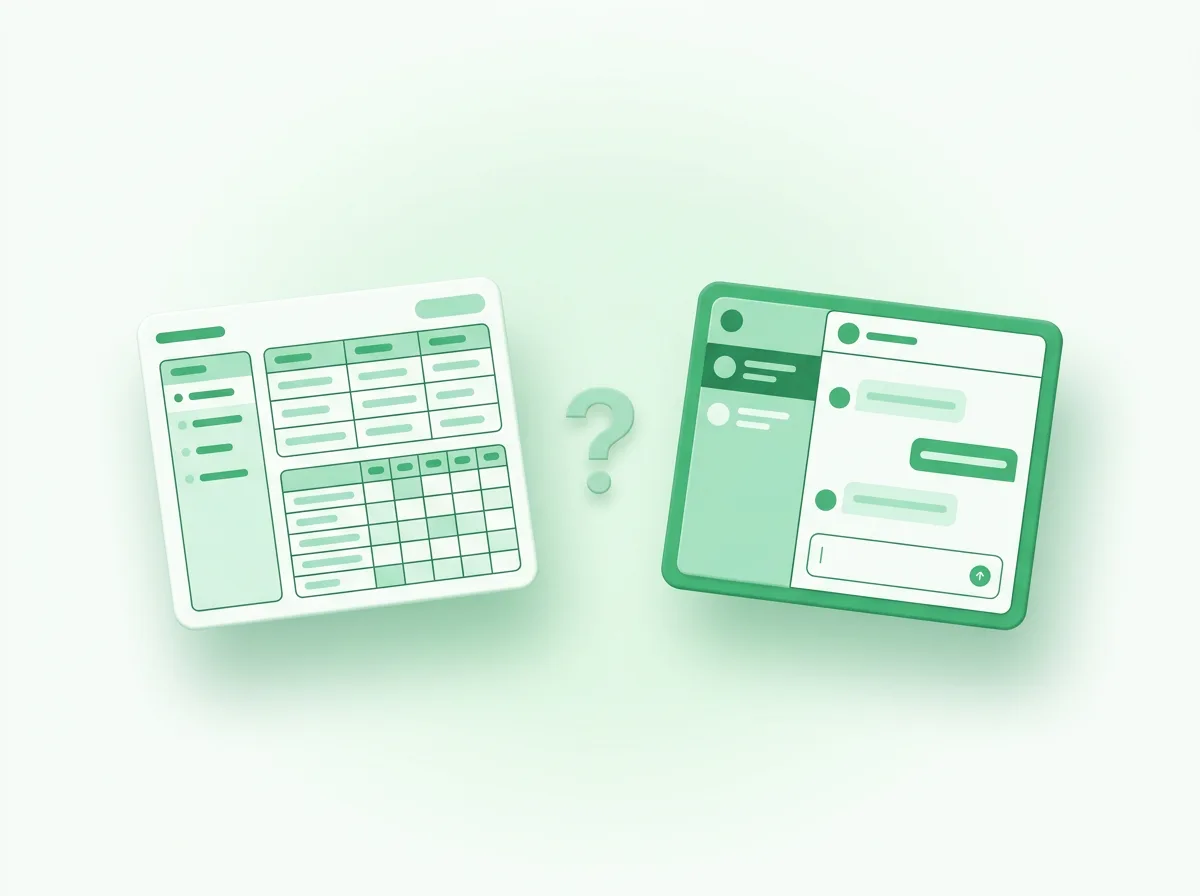
That distinction matters more than the marketing suggests. A CRM is built to store structured data: companies, contacts, deals, stages, owners, and forecasts. The conversation is a field attached to a record. WhatsApp CRM software adds a way to send and receive messages without leaving that database.
So when you see a product called a "WhatsApp CRM" or "WhatsApp business CRM", it is usually one of two things. Either a traditional CRM (the kind sales teams already use) with a WhatsApp connector, or a lighter tool that started as a WhatsApp inbox and added contact fields so it could call itself a CRM. The label is the same. The center of gravity is not.
Why is everyone searching for a WhatsApp CRM?
People search for a WhatsApp CRM because their current setup just broke, not because they did a careful CRM evaluation. The trigger is almost always operational pain, not a feature wishlist.
You can see this in how the question gets asked in public. On r/CRM, one common request is simply for free CRM software that connects to WhatsApp. Another asks for any CRM that allows bulk sending to WhatsApp contacts. These are not data-modeling questions. They are "my team cannot keep up with WhatsApp" questions.
The pattern behind them is familiar. A sales rep copies phone numbers and follow-up notes into a shared spreadsheet because nobody trusts the company CRM. The sheet drifts out of sync within a week. Messages sit unread on someone's phone. Two reps reply to the same customer. The manager has no view of who owns what. Reaching for a "WhatsApp CRM" is the instinct to fix all of that at once.
The problem is that a full CRM is a heavy answer to what is often a shared-inbox problem.
What does a WhatsApp CRM integration actually involve?
A WhatsApp CRM integration means connecting the official WhatsApp Business API to your CRM, and that is more involved than flipping a switch. It is not the same as scanning a QR code on the WhatsApp Business app.
To integrate WhatsApp with a CRM through the supported path, you go through the WhatsApp Business Platform. To connect a number, for example, Zoho requires a Facebook Business Manager account, a verified business, a WhatsApp Business account, and a phone number that is not already active on the regular app. Only an administrator can start it.
Once connected, the payoff is real. A CRM like HubSpot lets a team answer WhatsApp from a shared inbox, keep the full conversation history on each contact, and trigger template messages from workflows. The HubSpot integration advertises exactly this: manage messages in one place, log every chat to the customer record, and automate follow-ups.
The catch is the prerequisite stack. You are committing to the API, a verified business, template approval, and a CRM subscription tier that includes messaging. For a five-person team that just wants to stop losing chats, that is a lot of setup before the first message goes out. It can be the right call. It is rarely the fast one.
When you actually need a real CRM
Sometimes a CRM genuinely is the right tool, and it helps to be honest about when. Reaching for a shared inbox in these cases would leave real gaps.
You need a CRM when your sales motion is long and structured. If a deal involves many touches over weeks or months, multiple stakeholders, and a manager who needs forecasts and pipeline reporting, that data has to live somewhere built for it. A conversation tool will not give you weighted pipeline or revenue projections.
You also need one when WhatsApp is a small slice of a bigger picture. If most of your selling happens over email, calls, and demos, and WhatsApp is just one of several channels, the CRM should stay the system of record and WhatsApp should feed into it. That is precisely the case a WhatsApp CRM integration is designed for.
And if you already run a CRM your team trusts and logs into daily, do not rip it out. Connect WhatsApp to it. The integration exists for a reason.
Is a WhatsApp CRM free?
Some WhatsApp CRM tools advertise a free tier, but "free" almost always has an asterisk. The honest answer is that the software might be free while the parts that make it work are not.
Free CRM plans usually cap the number of users, contacts, or messages, and the WhatsApp side rides on the WhatsApp Business Platform. Meta charges its own conversation-based fees on that platform, separate from whatever the CRM costs, and those fees change over time. A "free WhatsApp CRM" can still mean paying for messaging, paying to lift a user limit, or paying for the CRM tier that actually unlocks the integration.
So the useful question is not "is it free?" It is "what is the real monthly cost once my whole team is on it and messages are flowing?" That is where pricing models start to matter a lot.
How do you choose between a WhatsApp CRM and a workspace?
Choose based on which problem is bigger: tracking relationships over time, or answering conversations as a team today. A few questions sort it quickly.
First, where does the work actually happen? If it is mostly inside WhatsApp chats, lead with a conversation tool. If it is spread across email, calls, and demos, lead with a CRM.
Second, who needs the output? If a manager needs forecasts and pipeline stages, that points to a CRM. If a team needs to stop dropping messages, that points to a shared inbox.
Third, how fast do you need to be live? A CRM integration through the API takes setup. A shared inbox can be running the same day.
Fourth, what does it cost per person? Many WhatsApp CRM tools charge per seat or per conversation, so add up the real number for your headcount, not the entry price.
If most of your answers point at answering conversations as a team, fast, without per-seat math, you are not really shopping for the best WhatsApp CRM. You are shopping for a shared WhatsApp workspace.
Not another CRM: the Clapvo take
Clapvo is built for the team that keeps landing on the second answer. The brand line is deliberate: not another CRM, a WhatsApp workspace for teams.
That means the product is organized around the WhatsApp conversation, not a pipeline. You connect a number, invite your team, and everyone works the same inbox with assignment, private notes, message templates, campaigns, and role based permissions. Contact management lives in the same surface where the chat happens, so a small team can operate without logging into a separate CRM at all. If you already love your CRM, Clapvo sits alongside it rather than replacing it.
The pricing follows the same logic. Clapvo charges per WhatsApp connection, not per agent: the Gold plan is $15 a month (or R$89), and that includes one WhatsApp connection and five team members, with a seven-day free trial and no credit card required. Because the unit of value is the number and not the seat, adding a sixth or tenth teammate does not change the bill. You can see the full breakdown on the pricing page, and the rest of what is included under Clapvo features.
So, do you need a WhatsApp CRM? If you run long, multi-channel sales cycles and need forecasting, yes, and you should connect WhatsApp to the CRM you already trust. If your real problem is a team that cannot keep up with WhatsApp on personal phones, you need a shared workspace, not another database to maintain.