
Key takeaways
- ✓ Clients drift to WhatsApp because it is faster than email and more personal than a portal, which suits session reminders, quick check-ins, resource sharing, and scheduling changes
- ✓ The failure at small-practice scale is a client conversation tied to one coach's personal phone: no visibility for the rest of the team, and no history to hand over when that coach is out or gone
- ✓ A client journey (inquiry, discovery call, active client, program complete or renewal) maps directly onto Clapvo's kanban board, documented in its help center with drag-to-move cards, tags on cards, and search and filter
- ✓ Tags on a shared inbox are enough for a smaller program or a single coach with one assistant; the board earns its place once several people need to see where every client stands
- ✓ Free-form replies only work inside the 24-hour customer service window; a session reminder sent outside it needs an approved template
- ✓ Clapvo Gold is $15 a month per the live pricing page, with 1 WhatsApp connection, 5 team members, and a 7-day free trial with no credit card required
Why does WhatsApp for coaches and consultants start on personal phones?
Clients choose WhatsApp because it is already open on their phone, and coaches and consultants follow them there. Session reminders, a quick check-in between calls, a PDF of homework, a note that Tuesday's call needs to move by an hour: each of these takes seconds in a chat and much longer through email or a client portal login.
That speed is real, and it is also more personal than a portal. Coaching and consulting relationships run on trust, and a short message that sounds like a person wrote it lands differently from an automated portal notification. The trouble starts because nobody sets it up on purpose. The first client messages whoever they met on the discovery call, that coach replies from their own phone, and six months later the practice has a dozen client threads spread across three or four personal devices. We covered how the same drift plays out in financial advisors, lawyers, and accountants, and the pattern is the same in coaching.
What goes wrong when client messages sit on one coach's phone?
When a client conversation lives on one person's phone, only that person can see it, so the practice cannot answer for it. That is the Thursday evening scenario above, and it has three versions.
The first is the unanswered message: a question lands on the wrong phone at the wrong time and nobody else knows it exists. The second is duplicated or contradictory replies. Two coaches answer the same client differently because neither could see what the other said. The third is missing context. A consultant covers for a colleague on a call and has no idea what was promised in the thread the week before.
None of this needs a careless coach. It needs a normal week with one person sick, traveling, or in back-to-back sessions. The useful question is not whether to use WhatsApp with clients but how to stop it depending on one device.
A client's history should not leave when a coach does
If the client's history is on a coach's personal phone, it stays on that phone when the coach leaves the practice. The practice keeps the client relationship on paper, but the actual record of what was discussed, which resources were shared, and what the client said about their goals goes with the person.
Clapvo builds the shared inbox around this exact problem: the WhatsApp number is linked to a shared workspace rather than sitting on one person's device, so when someone is out or leaves, every chat stays right where it should be and stays visible to the whole team. A coach who moves on, or takes a month off, leaves the thread behind for the next person to pick up.
If your number is a personal one on a personal phone today, moving it to a workspace is a deliberate migration, so plan it rather than leaving it for later.
A small practice setup, step by step
A small practice setup starts with one shared number, one workspace, and clear ownership of every client conversation. Picture a four-person practice: two coaches, one consultant, and an operations coordinator who handles scheduling. The practice connects its WhatsApp number to a shared inbox such as Clapvo, and everyone with access sees the same conversations and the same history.
When a new inquiry arrives, whoever picks it up assigns the chat to themselves, so the rest of the team can see it has an owner. A private note on the thread, something like "wants the six-month program, discovery call booked for Thursday," means the coordinator or a covering coach has the context before replying. Contacts carry tags such as the program name or cohort, so a Friday check of who is in which group is a filter, not a memory exercise.
Reminders and resource shares go out from the shared number, not from anyone's personal phone. Replies from clients land in the shared inbox, where anyone on the team can see them and whoever owns the client can respond. Our post on freelance agencies covers the same small-team service-business setup in more detail.
How does a client journey map onto a kanban board for coaches and consultants?
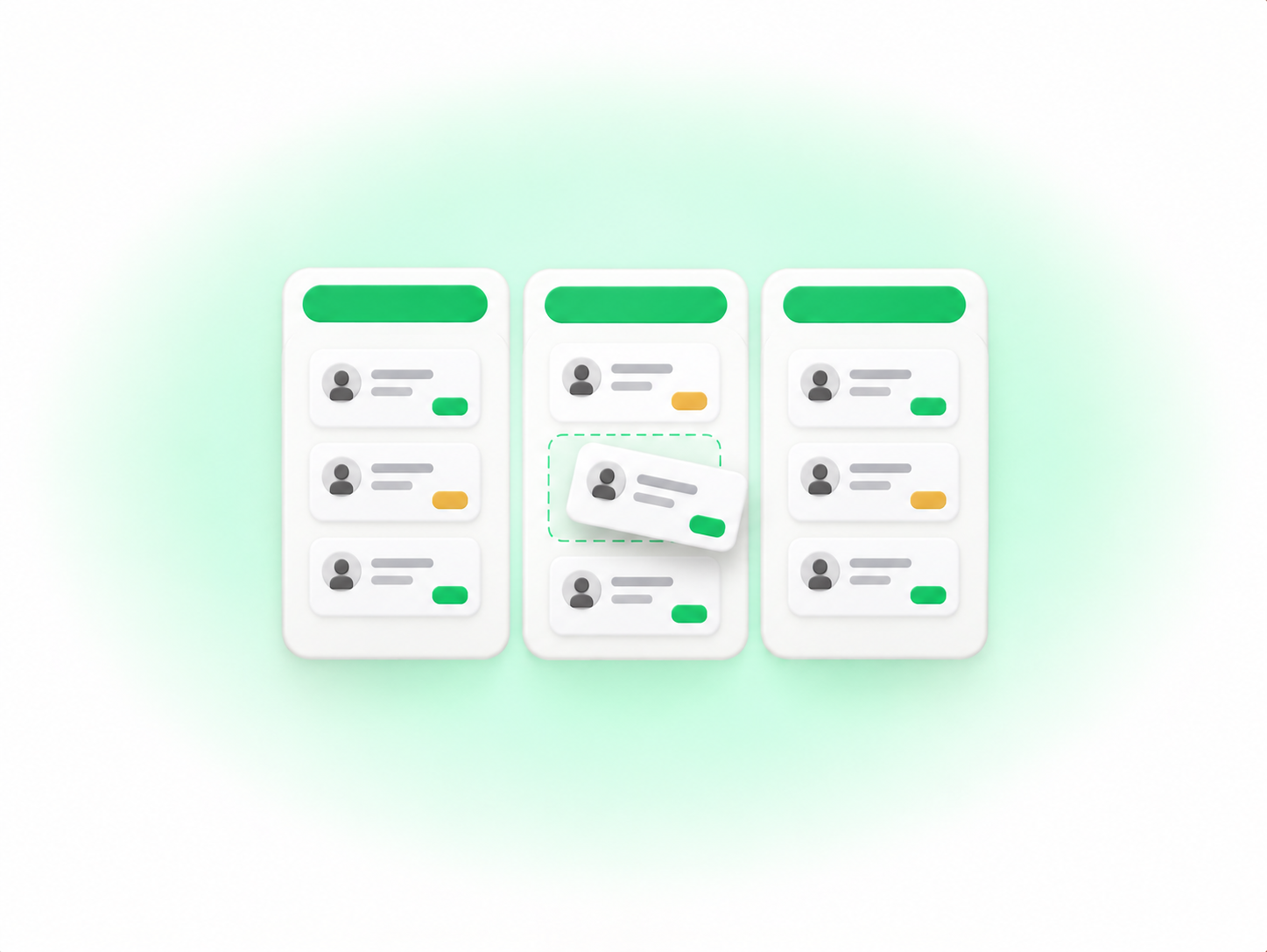
A coaching or consulting client moves through a sequence, and a kanban board shows that sequence at a glance. The usual stages are inquiry, discovery call, active client, and program complete or renewal. Each stage becomes a column, and each client conversation becomes a card.
Clapvo's kanban board works the way that sounds. Per its help center, the board "treats your chats as a pipeline": each chat is a card, and you drag it from one column to the next as the client moves forward. Cards show tags, message previews, and status rows directly, so you can usually decide where to move a card without opening the chat. If you prefer not to drag, you can assign the stage from the chat profile panel instead, and either route updates the same stage.
Getting clients onto the board takes two routes. From the board, choose Add chat, then either New chat (enter a phone number and pick a stage) or Pick existing (search your inbox and pick a stage). The docs call picking existing chats "the easiest way to build a starting pipeline from your inbox."
Columns live in Settings, then Chat, then Kanban, where you add a stage by entering a name. The docs suggest stages that describe meaningful transitions and warn against too many, since the board gets crowded fast. Four columns is plenty for a client journey. Statuses are a separate org-wide setting, and each status can map to a column, but they are not the same object. Our deeper kanban board post walks through the full mechanics, including per-column search and board-wide filters by phone number, tag, or saved quick filter.
One caveat on visibility: as of late September 2026 the board is documented in the help center but is not described on Clapvo's features page, so check it in the product before you plan around it.
How do templates and the 24-hour window work for session reminders?
A session reminder sent when the client has not messaged you recently needs an approved template, because free-form replies only work inside a 24-hour window. Per Meta's documentation, a customer service window opens when a user messages you and resets each time they message again. Inside it you can send free-form messages without pre-approval.
Outside that window, template messages are the only type of message that can be sent to WhatsApp users outside of a customer service window. Templates go through review when created or edited, which can take up to 24 hours, and they are categorized as authentication, marketing, or utility. A reminder tied to a booked session is a natural utility-style message, but Meta assigns the category and can reject or pause a template based on review and quality feedback, so build in lead time.
In practice, that means writing a small set of reminder and check-in templates ahead of time: a session reminder, a reschedule note, a homework nudge. Clapvo's templates support text, images, documents, audio, and contact cards, and the whole team can use them. Once a client replies, the window reopens and the conversation goes back to normal messages. Our guides on message templates and the 24-hour window cover approval and opt-in in more depth. Clients should opt in before you message them, and a practice that already collects contact details at intake has a natural place to ask.
What does WhatsApp for coaches and consultants cost on Clapvo?
Clapvo's Gold plan is $15 a month, according to the live pricing page. That includes 1 WhatsApp connection and 5 team members, with a shared inbox, templates, scheduled and bulk campaigns, and contact management with tags and fields. There is a 7-day free trial with no credit card required.
The kanban board is not a separate tier. It is documented in the help center as part of the same workspace, with no upgrade to turn on. For a four-person practice with one number, the included connection and five members already cover the team. If you need a second number or a sixth person, the help center lists add-ons at $15 a month each for extra connections, additional users, and 10K extra messages. Prices change, so confirm on the pricing page before you decide.
Where to start
If your coaches and consultants are already talking to clients on WhatsApp from personal phones, the first job is moving those conversations somewhere the whole practice can see them. Clapvo is built for that: a shared WhatsApp workspace where the team answers from the same number, with assignment, private notes, templates, and a kanban board when you need one.
Start the 7-day trial at app.clapvo.com, connect your number, and invite the coaches and your ops person. Add a handful of reminder templates, then try four columns (inquiry, discovery call, active client, complete or renewal) and pull in ten or fifteen live conversations from your inbox. If the board feels like overhead after a couple of weeks, keep tags and the shared inbox and leave it alone.