
Key takeaways
- ✓ Client document requests that live on a personal phone scatter across whoever's device the client happened to message, with no team visibility into what's outstanding
- ✓ WhatsApp document messages support files up to 100 MB (PDF, Word, Excel formats), but free-form replies only work inside the 24-hour customer service window; after that, a pre-approved template message is required
- ✓ A WhatsApp Business number and its chat history are tied to whichever device and account hold them, so both can leave the firm when an employee does, unless the number is kept separate from any one person's phone
- ✓ This is not legal or professional-standards advice: accountant-client confidentiality is an obligation the firm owes under its own governing rules, not something a messaging app certifies, but access control and record-findability are within the firm's control regardless
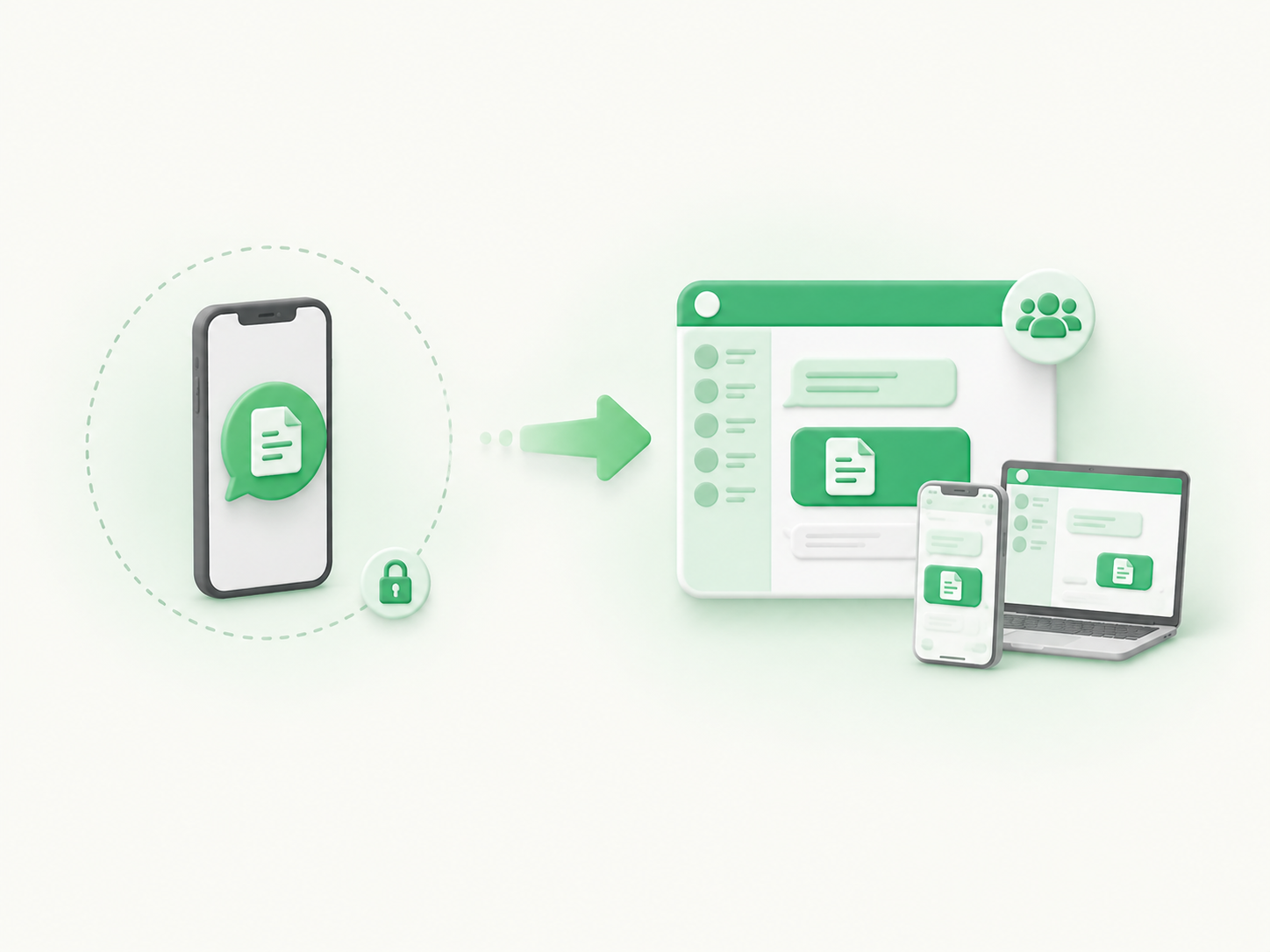
- ✓ Clapvo's shared WhatsApp inbox ($15/mo, 1 connection, 5 team members) keeps client conversations with the firm instead of the device, with chat assignment, private notes, and templates built for document requests and deadline reminders
Why do accountants and bookkeepers end up communicating with clients on WhatsApp?
Clients use WhatsApp because it's already open on their phone and faster than finding an accountant's email in their inbox. For a client trying to send a photo of a bank statement or ask when a filing is due, tapping out a WhatsApp message takes seconds; opening a portal, remembering a login, and attaching a scanned file takes longer, and most clients skip it if they can.
Response rates on a chat app also tend to beat email for anything that needs a quick answer, and a lot of routine accounting communication (a missing document, a due date, a quick yes or no on a deduction) is exactly that kind of quick exchange.
What goes wrong when client document requests live on a personal phone
The friction shows up once a firm has more than one client doing this and more than one person on staff answering. Requests scatter across whoever's phone the client happened to message, and nobody else on the team can see what's outstanding.
A partner covering for a colleague who's out sick has no way to check which clients still owe a W-2 or a signed engagement letter without asking the absent colleague directly, which defeats the point of covering for them.
Chat history also becomes hard to search once a real inbox worth of client conversations builds up on one device. A receipt a client sent three months ago, buried under two hundred other messages, is functionally lost even though it technically still exists.
Because WhatsApp Business on a phone ties the number and its history to that device and account, nothing about the setup gives a manager visibility into who's been asked for what, or a reliable way to confirm a request even went out.
Can you actually use WhatsApp to request and receive client documents?
Yes, and it works well for routine documents, but it has real limits worth knowing before a firm leans on it during a busy filing season. WhatsApp's document messages support files up to 100 MB, which covers the vast majority of client paperwork: PDFs, spreadsheets, and Word or PowerPoint files are the officially supported formats, so a scanned tax form or an Excel expense sheet goes through without issue.
The bigger limit isn't file size, it's timing. WhatsApp opens a 24-hour customer service window every time a client messages you, and free-form replies are only allowed inside that window.
Say a client messages Monday at 9 a.m. asking whether their filing is on track. The window opens right then and stays open until Tuesday at 9 a.m., or resets to a fresh 24 hours the moment they reply again. A quick "yes, on track, we'll have it done by Friday" back to them at 10 a.m. Monday is a free-form reply, no problem.
But if the client goes quiet and nobody follows up until Wednesday, that free-form nudge is no longer available. Reaching them at that point requires a pre-approved template message, which is built for a standing reminder or deadline notice, not a back-and-forth conversation.
A firm that wants to send document-deadline reminders on a schedule, rather than only replying when a client happens to message first, needs templates set up for that, not just a personal chat thread. For the full mechanics of the window and what counts as valid opt-in, see our post on WhatsApp's 24-hour window and opt-in rules.
A step-by-step document request workflow
A document request practically runs itself once a firm settles into a repeatable pattern instead of improvising each time. Start with a short message that names the exact document, why it's needed, and the date it's needed by, rather than a general "please send your documents" that leaves the client guessing what to attach. Something like "We need your January and February bank statements for the reconciliation, by Friday" gets same-day replies far more often than a vague ask that requires the client to think about what applies.
Group everything a client owes into one message tied to a single deadline, instead of sending separate pings as each item occurs to you, since a client juggling five separate texts over a week is more likely to lose track than one working off a single list. A message like "Before we can finish your return, we still need three things from you: your W-2, your mortgage interest statement, and a signed copy of the engagement letter. Can you get those to us by the 15th?" gives the client everything at once.
When the deadline gets close and nothing has arrived, follow up once, using a template if the original 24-hour window has already closed since the first request: a line like "Friendly reminder: we're still waiting on your W-2 to finish your return by the 15th" works whether it's sent as a free-form nudge or a template, depending on which window you're in.
Once the documents come in, confirm receipt so the client isn't left wondering whether the file actually landed: "Got it, thanks, that's everything we need for now" costs nothing to send and stops a client from resending the same file out of uncertainty.
Keep a running note next to each client's thread showing what's been received and what's outstanding, because the request itself living in the chat isn't the same as anyone having a clear view of its status.
Who should own a client's conversation once more than one person at the firm talks to them?
Whoever is actually handling that client's work at that moment should own the conversation, and the firm needs a way to hand that ownership off cleanly when work moves between people.
A bookkeeper doing monthly reconciliation and a partner doing the annual filing both dealing with the same client on the same personal number, with no way to see what the other already asked for or already received, is how the same document gets requested twice and a client starts to lose confidence in the firm's organization.
This is a workflow problem, not a technology problem, and it shows up the same way across small teams handling shared numbers, not just in accounting. Our post on assigning WhatsApp chats between people covers the same handoff problem in more depth: who owns a conversation, how notes travel with it, and what changes once a firm moves past one person answering everything.
What happens to client chats and document history when someone leaves the firm?
If the WhatsApp number lives on an employee's personal phone, their departure can mean the client relationship, the chat history, and any documents sent through that thread leave with them. A firm that only discovers this the week someone resigns is now trying to reconstruct which clients still owe what from memory, or asking the departing employee for a favor they have no obligation to grant.
The fix starts with keeping the number and its history tied to the firm rather than to any one person's device and account login. We cover the mechanics of that in more detail in our post on WhatsApp number ownership, including what actually determines who controls a WhatsApp Business number and what a firm can do to make sure it isn't the departing employee.
Is client communication on WhatsApp compliant with accountant-client confidentiality rules?
This isn't legal or professional-standards advice, and nothing here should be read as a compliance guarantee: accountant-client confidentiality is a professional obligation the accountant or firm owes their client under their own governing body's rules, not something a messaging app or software vendor certifies on their behalf.
If your license, your firm's engagement letters, or your jurisdiction impose specific rules on how client documents and communications must be stored or retained, check those requirements directly with your professional body or your own counsel before deciding what channel is appropriate for which client.
What a firm can control, regardless of what any specific rule requires, is basic operational hygiene: who has access to a client's conversation, whether that access is revoked the day someone leaves, and whether a document sent six months ago is still findable. Those are the problems this post addresses.
They sit alongside, not instead of, whatever confidentiality and data-handling obligations already apply to your practice. If your firm operates under Brazil's LGPD or the EU's GDPR, our post on WhatsApp compliance covers what those frameworks actually require and what they don't.
A practical Clapvo workflow for a 3-to-15-person accounting team
Picture a five-person practice, two partners and three staff, handling reconciliation, tax prep, and payroll for forty ongoing clients on a shared WhatsApp team inbox like Clapvo. The firm connects its one WhatsApp number once, and all forty client conversations become visible to the whole team instead of split across whoever's phone a given client happened to message first.
When a new document request goes out, whoever sends it assigns the conversation to themselves, so anyone glancing at the shared inbox can see at a glance which clients have an owner and which don't. A private note on the thread, something like "still need the January bank statement, client confirmed sending by Friday," means a colleague covering that client mid-week already knows the status without hunting back through the message history.
Message templates cover the document-deadline reminders that go out once the 24-hour window has closed, so staff aren't stuck waiting for a client to message first before they can follow up, and the documents themselves (PDFs, spreadsheets, scanned images) come back through the same thread. Contact tags mark which clients are still owed something, so a Friday-afternoon check of who's outstanding becomes a filter instead of a memory exercise.
The Gold plan fits that shape of team directly: $15 a month for one WhatsApp connection and five team members, with a 7-day free trial and no credit card required, a reasonable way for a small practice to test whether a shared inbox actually solves the handoff and visibility problems a personal phone can't.
Getting client intake off a personal phone
None of this requires an accounting firm to overhaul how it works with clients. The document request still happens on WhatsApp, in the same chat clients already use.
What changes is the process behind it: name the document, the reason, and the deadline in the first message; group everything a client owes into one list instead of scattered pings; follow up once, close to the deadline, using a template if the 24-hour window has closed; confirm receipt so nothing gets sent twice; assign the conversation to whoever owns that client's work; and keep a note on what's outstanding so a colleague can step in without starting from zero.
For a 3-to-15-person practice juggling document requests across a filing season, that combination of a repeatable request pattern and a shared, assigned inbox is usually the difference between chasing paperwork all season and knowing exactly where things stand.