
Key takeaways
- ✓ Gallabox sells four tiers (Basic, Essential, Advanced, Enterprise) on the official WhatsApp Business Platform, checked directly on gallabox.com/pricing in September 2026
- ✓ Basic costs $150 a month billed quarterly, or $112 a month billed annually, for 1 WhatsApp number and a hard cap of 3 users with no way to add a fourth without upgrading tiers
- ✓ Essential runs $331 a month billed quarterly (or $248 a month annually) with 6 users included and an $18 per extra user monthly fee; Advanced runs $632 a month quarterly (or $474 annually) with 10 users included and a $24 per extra user fee; Enterprise is custom
- ✓ Gallabox runs on the official WhatsApp Business Platform, so Meta's own per-message fees apply on top of the plan price, including the October 1, 2026 change to service message pricing
- ✓ Clapvo prices per WhatsApp connection instead of per seat: Gold is $15 a month (R$89) for 1 connection and 5 team members included, with a 7-day free trial and no credit card, checked on clapvo.com/pricing in September 2026
- ✓ Gallabox's AI agents, omnichannel channels, and lead-pipeline automation go well beyond what Clapvo offers; this comparison covers the shared-inbox job both products do, not Gallabox's broader platform pitch
What is Gallabox, and why do teams look for Gallabox alternatives?
Gallabox describes itself on its own homepage as building "omnichannel AI agents for customer conversations," spanning WhatsApp, Instagram, voice, and web widgets, with automation aimed at real estate, healthcare, automotive, professional services, and financial services. That's a genuinely broad platform pitch, closer to an AI automation suite than a plain shared inbox.
Most searches for Gallabox alternatives come down to a narrower need than that pitch suggests: a small team of 3 to 20 people that just wants everyone answering the same WhatsApp number from a shared inbox, without training a chatbot or standing up lead-pipeline automation first. When the entry tier caps at 3 users and every additional seat above the included count carries its own monthly fee, a team that grows past the cap starts paying twice: once for the AI and omnichannel features it may not use, and again per extra teammate.
How much does Gallabox cost in 2026?
Gallabox publishes four tiers on its pricing page, checked directly in September 2026, with a toggle between quarterly and annual billing. Every price shown on the page is a monthly rate labeled "per month, billed quarterly" by default, meaning the number you see is invoiced every three months, not every month; switching the toggle to annual billing drops each tier's monthly rate by about 25 percent, invoiced once a year instead.
Basic runs $150 a month billed quarterly, or $112 a month billed annually. It includes 1 WhatsApp number, 1 Instagram handle, and 1 web widget, plus what Gallabox's own pricing card calls "3 users (hard cap)": there is no per-seat add-on button on Basic, so the only way past 3 users is upgrading to Essential. Basic also bundles 500 AI credits a month, catalog and payments, chatbot flows, and web AI agents, which is a wider feature set than a bare-bones shared inbox.
Essential runs $331 a month billed quarterly, or $248 a month billed annually. It includes 6 users and 2,000 AI credits a month, and Gallabox's pricing page lists an $18 per extra user monthly fee for anyone added past the sixth. Advanced runs $632 a month billed quarterly, or $474 a month billed annually, with 10 users and 8,000 AI credits included, plus a $24 per extra user monthly fee. Enterprise has no published price; Gallabox's page lists it as "Let's talk," with custom seats, a custom AI credit pool, and multi-year contracts available.
WhatsApp conversation and message fees are billed separately from all four tiers, more on that below.
Does Gallabox require the WhatsApp Business Platform?
Yes. Gallabox's own connect-your-WhatsApp guide walks a new customer through signing in with a Facebook Business Manager account, creating or selecting a WhatsApp Business Account, and verifying phone ownership with an OTP, the standard setup for the official WhatsApp Business Platform (also called the Cloud API), not a QR code or linked-device pairing. Gallabox's per-message pricing doc confirms Meta charges apply on top, describing a separate "Message Credits" wallet that customers fund to cover WhatsApp's own per-message template charges.
Because Gallabox sits on the WhatsApp Business Platform, Meta's own pricing rules apply on top of whichever Gallabox tier you pick, including the October 1, 2026 change to service message pricing: previously free replies inside the 24-hour customer service window become billable past a 1,000-message-per-number monthly free tier. We cover the full mechanics, rate cards, and preparation steps in our service message pricing guide rather than repeating them here; the short version is that a Gallabox plan price is not the whole bill once volume passes the free tier.
Gallabox alternatives compared: pricing and features
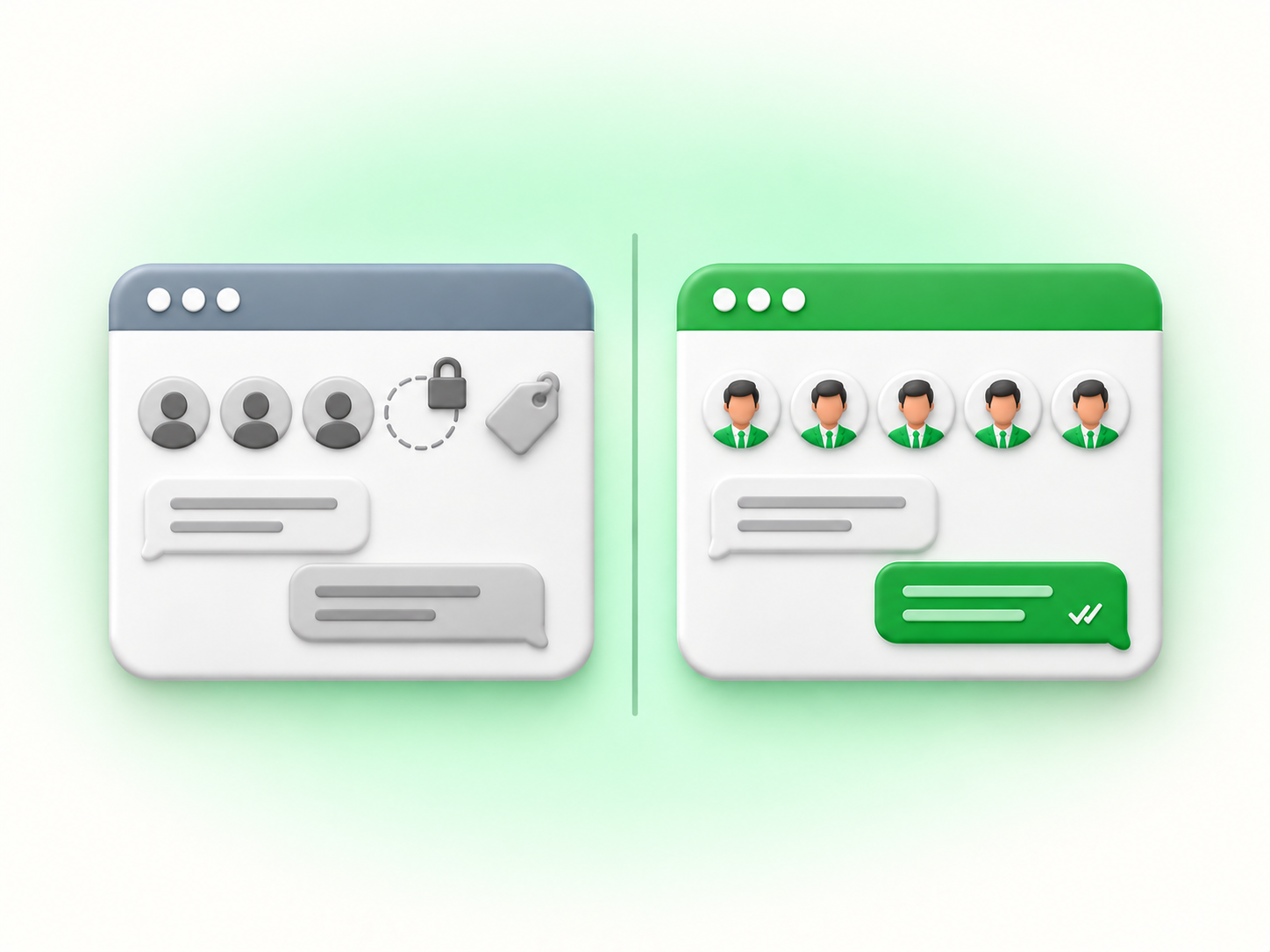
Set side by side, checked directly on gallabox.com and Clapvo's own pricing page in September 2026: Gallabox's Basic tier costs $150 a month billed quarterly (or $112 annually) for 1 WhatsApp number and a hard cap of 3 users, with AI credits, chatbot flows, and catalog and payments already built in. Clapvo's Gold plan costs $15 a month, or $149 a year for about a 17 percent saving, for 1 WhatsApp connection and 5 team members, with no per-seat cap or overage fee at that headcount.
A 5-person team already exceeds Gallabox's Basic user cap and would need Essential at $331 a month billed quarterly, which is over 20 times Clapvo's monthly price for the same team size. A 6-person team on Essential includes exactly enough seats; a 7th teammate adds $18 a month on top. On Clapvo, growing past 5 members has two options rather than an automatic per-head surcharge: add a second $15-a-month connection, which brings a second WhatsApp number and 5 more seats, or add Clapvo's own "Add users" add-on, also $15 a month per Clapvo's documentation, for teams that want more people on the same connection instead of a second number.
Feature-wise, Clapvo's feature list covers a shared inbox with assignment and private notes, message templates, scheduled and bulk campaigns with sender rotation across connected numbers, and contact management with tags and fields, all in the single Gold plan. Gallabox's Basic tier covers comparable inbox, canned-reply, and contact-tagging basics described on its shared inbox page, plus chatbot flows and web AI agents that Clapvo does not offer at any tier.
When is Gallabox the better fit?
Gallabox is a reasonable choice for a team that wants AI-driven lead qualification, a chatbot builder, catalog and payments for commerce, and eventually voice AI and lead-pipeline management, all inside one platform that also happens to cover WhatsApp. A business running outbound campaigns across WhatsApp, Instagram, and a web widget, with a use case for automating first-touch replies before a human ever sees the thread, gets real value from Gallabox's Essential or Advanced tier that a plain shared inbox does not replicate.
Being honest about this matters: Gallabox's AI agents, multi-channel reach, and automation depth are genuine capabilities, and Clapvo does not try to match them. If your team's actual bottleneck is qualifying leads at scale or running a chatbot across channels before a rep gets involved, weigh Gallabox's Essential or Advanced tier against your real headcount and automation needs before ruling it out.
When does a simple per-connection workspace win?
A per-connection workspace wins when your team's job is answering and organizing WhatsApp conversations, not building chatbot flows or managing an AI credit budget. If you're a 3-to-20-person support or sales team and your growth plan is adding a 4th, 6th, or 11th teammate to the same number, Gallabox's tier structure means checking whether you've crossed a hard cap or triggered a per-seat overage every time headcount moves. On Clapvo, adding people up to 5 per connection costs nothing extra, and growing past that means adding a $15-a-month connection or a $15-a-month "Add users" add-on, not negotiating a new tier.
The AI credits and chatbot infrastructure baked into every Gallabox tier, even Basic, are also a cost a team pays whether or not it uses them. A team that just needs a shared inbox for chats, more than a lead-qualification engine, ends up carrying that platform weight regardless.
A practical Clapvo workflow for a small team
Picture an 8-person support and sales team sharing one WhatsApp number today from a single person's phone. On Clapvo, they connect that number under Settings, then Linked Devices, then Link a Device, scanning a QR code the way our connect WhatsApp guide describes, and the number moves off the owner's personal device into the shared workspace. Because Gold includes 5 team members per connection, the team adds a second $15-a-month connection to cover all 8 people, rather than negotiating a seat count.
From there, incoming chats land in one inbox that any of the 8 can see and claim. A rep leaving for the day drops a private note on an open conversation so the next shift has context without re-asking the customer what they need. Templates cover the replies the team sends daily, order confirmations, appointment reminders, and follow-ups, and contact tags separate active leads from resolved support threads. When the team runs a broadcast to a segment of contacts, sender rotation spreads the send across both connected numbers instead of hammering one, the same pattern covered in our guide on multiple agents sharing WhatsApp numbers.
Switching from Gallabox without losing your contacts
Switching platforms doesn't mean losing your WhatsApp number, because the number itself lives on the WhatsApp Business Platform under Meta's infrastructure, not inside Gallabox. A WABA can move to another provider without your customers seeing any change on their end, though moving a number off the Platform and onto a linked-device tool like Clapvo is a different migration than switching between two Platform-based providers, so confirm the steps with whichever provider you're moving to.
Your contact list, tags, and approved message templates are the real risk, not the number. That data lives in Gallabox's own system, not Meta's, so none of it moves automatically when you cancel. Your message history follows the same rule: Gallabox's own docs describe a Conversation Report you can export from its analytics section, filterable by agent, tag, or date, but we found no published policy on what happens to that history once an account is canceled, so treat it the same way as contacts and templates and export it first. Export your contacts, templates, and conversation history from Gallabox before canceling, then rebuild them in your new workspace, reconnect the WhatsApp number, and send a few test messages in both directions before relying on the new setup day to day.
If your team's real need is AI-driven lead qualification, omnichannel reach, and commerce automation, Gallabox's Essential or Advanced tier is worth pricing out at your actual headcount, including the per-seat overage past the included count. If the job is a shared inbox your whole team can run without a hard user cap or Gallabox's escalating per-user overage, a 7-day trial on Clapvo's pricing page is the fastest way to see whether it fits. For how this same per-seat pattern plays out against a different WhatsApp platform, see our breakdown of WATI alternatives.
Gallabox is the broader platform, built for teams that want AI agents and omnichannel automation alongside WhatsApp. Clapvo is the focused one, built for a team that just needs everyone answering one shared WhatsApp number without hitting a seat cap or a per-agent bill.