
Key takeaways
- ✓ The free WhatsApp Business app lets you link one phone plus up to four more devices onto one number, so up to five people can technically open it
- ✓ That setup was never built for a team: every linked device sees every chat, nobody owns a conversation, and there is no record of who answered what
- ✓ Around two or three people answering the same number, the free setup starts costing more in duplicate replies and missed messages than a paid tool would
- ✓ There is no fully free multi-agent WhatsApp platform once you move past the consumer app, since Meta bills the WhatsApp Business API per delivered message by template category and recipient country
- ✓ A dedicated shared inbox removes the device cap entirely and adds assignment, private notes, and role-based access
Can multiple people use one WhatsApp number for free?
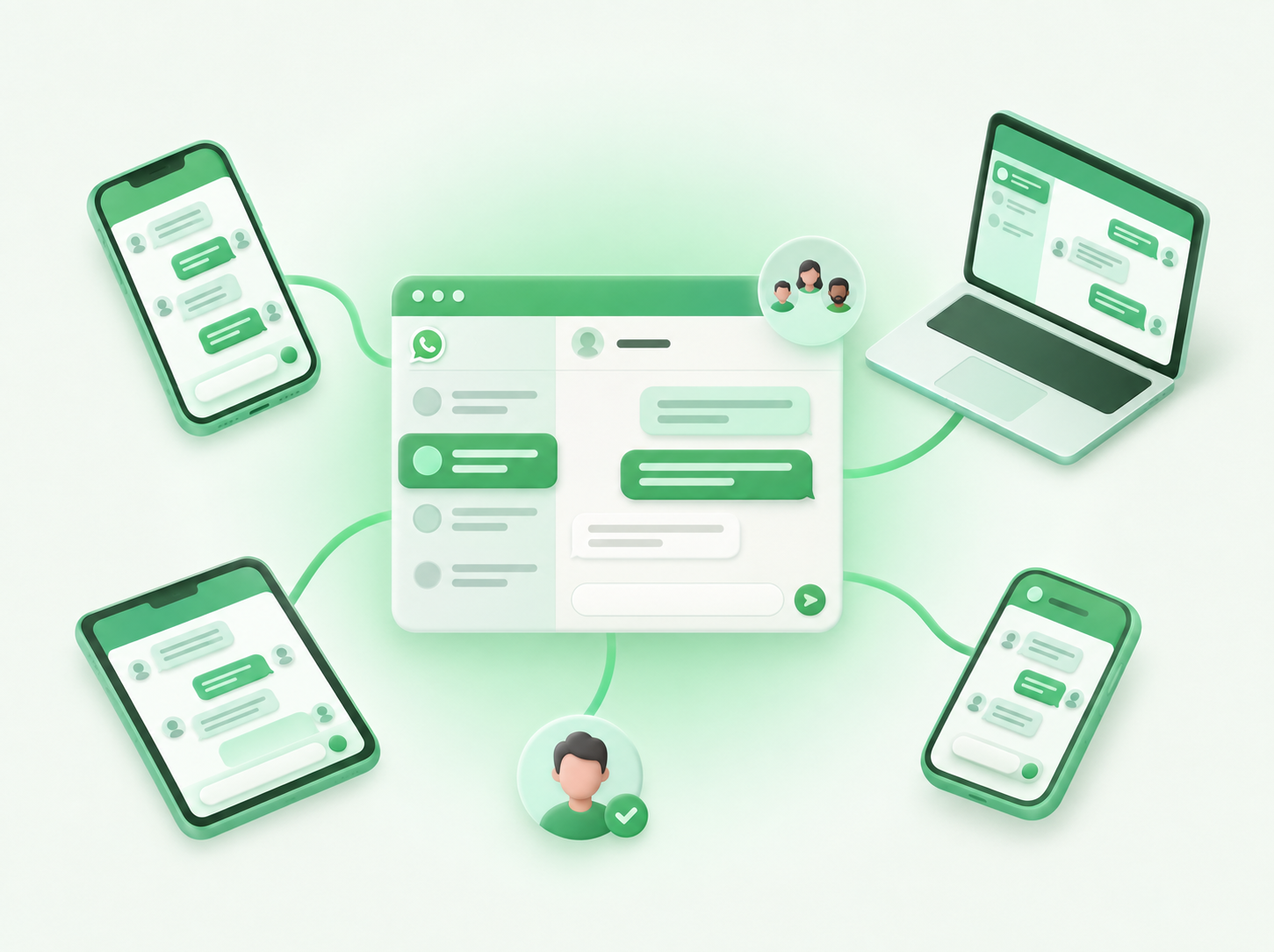
Yes, through WhatsApp's linked devices feature (sometimes called companion mode). The Business app supports four companion devices linked to one primary phone, so a single number can technically be open on five screens at once: the primary phone plus four more phones, tablets, or computers.
Each linked device shows the full chat history and every incoming message in real time. Nothing needs to be exported or synced manually. For a two-person operation, this is often enough: a founder on the primary phone, a part-time assistant on a linked laptop, both seeing the same inbox.
The catch is in what linking a device does not do. It does not divide the chats. It does not track who replied. It does not tell one teammate that another already answered. It just mirrors the same number onto more screens.
Setting up multiple devices on one WhatsApp number
Open WhatsApp Business on the primary phone, go to Linked Devices, and either scan a QR code from the new device or use a phone number to link it, following the steps WhatsApp lays out for linking a device. The primary phone must be a mobile phone; it cannot be a tablet or a desktop computer. Companion devices can be phones, tablets, WhatsApp Web, or the desktop app, with the exception of a couple of platforms Meta does not support for linking.
Every linked device needs its own confirmation step, and the primary phone stays the account of record. If the primary phone is uninstalled or the account is deleted there, every linked device loses access too. That single point of failure is worth knowing before you build a workflow around it.
Where does the free setup break down for a team?
It breaks down once more than two or three people are answering regularly. The free app tends to hold up fine for one or two people. Add a third, and ownership becomes a guessing game: two teammates open the same conversation, both start typing a reply, and the customer gets an answer twice or gets confused by two different tones.
There is no assignment feature, no "mark as handled," and no private notes. If a sales rep needs to flag a lead as "already quoted, do not follow up again," that context lives in their head, not in the chat. When that rep is out sick, the information is gone with them.
Managers lose visibility too. There is no dashboard showing how many chats are open, how long customers have waited, or who is behind on replies. The only way to check is to scroll through the same feed everyone else is scrolling through.
Is there a truly free multi-agent WhatsApp platform?
No, not once a team needs real assignment and role-based access. The confusion here is understandable: plenty of tools market themselves with the word "free," but a fully free platform with unlimited agents, message assignment, and unlimited conversations does not exist, because the WhatsApp Business API bills per message once a business moves off the consumer app, with the rate set by the template's category (marketing, utility, authentication, or service) and the recipient's country code. Any multi-agent tool built on that API has a real cost to cover, even if its own software fee is $0.
What "free" usually means in practice is a free trial, a free tier capped at a handful of seats or messages, or a free CRM bolted onto WhatsApp's paid messaging layer. None of that is dishonest, but it is different from the linked-devices trick being free, which genuinely costs nothing because it stays on the consumer app rather than the API.
What does a paid multi-agent setup actually change?
Three things: the device cap disappears, chats get owned instead of just shared, and a manager gets visibility. A dedicated shared inbox connects through the WhatsApp Business API instead of the consumer app, which removes the four-device ceiling entirely. Ten, twenty, or more team members can work from the same number without anyone getting bumped off.
Assignment is the bigger shift. Instead of every device seeing every chat, a conversation gets assigned to one person, with private notes attached that customers never see. A teammate picking up a chat mid-conversation can read what already happened instead of asking the customer to repeat themselves.
Role-based permissions let a manager decide who can see billing conversations, who can send bulk campaigns, and who only handles inbound support, instead of giving everyone the same access to the number.
When do you actually need a dedicated platform?
Once two or three people are regularly answering the same number. That is usually where the free setup stops saving money and starts costing it in dropped and duplicated replies. The threshold shows up earlier than most teams expect, often well before headcount hits ten, and once a manager can no longer tell who replied to what without asking around, it has already been crossed.
Volume matters too. A number handling a steady stream of inbound support or sales conversations needs the visibility a dashboard provides. A number used occasionally, by one or two people, rarely needs more than the free linked-devices setup.
This is a common situation specifically for growing teams in Brazil, where WhatsApp adoption for business is exceptionally high. Brazil has roughly 148 million users, the second most of any country, and 98% of the country's smartphone owners have the app installed. A large share of small and mid-size Brazilian businesses run customer conversations on WhatsApp by default, which means the question of how many people can answer one number comes up early and often.
For the mechanics of using WhatsApp Business across several people and the native limits that come with it, see our guide to multiple users. For how work should actually move between teammates once you are past the free setup, including handoffs and shift changes, see WhatsApp multiple agents.
Where Clapvo fits
Clapvo is a browser-based WhatsApp workspace built for the moment the free app stops working. It connects to a WhatsApp number through the API instead of the consumer app, so the four-device limit disappears, and it gives the team a shared inbox with assignment, private notes, message templates, and role-based permissions in one place.
Pricing is $15 a month (or R$89 in Brazil) for the Gold tier, which includes one WhatsApp connection and five team members. That is priced per WhatsApp connection, not per person, which matters for a small team: adding a sixth person does not add a per-seat fee. A 7-day free trial is available with no credit card required. Full details are on the pricing page.
The bottom line
Multiple people on one WhatsApp number for free is real, but it is a device-sharing trick, not a team tool. It works cleanly for one or two people and starts breaking around the third. Once ownership, notes, and visibility matter more than saving a monthly fee, the cost of the free setup is already higher than the cost of a platform built for it.