

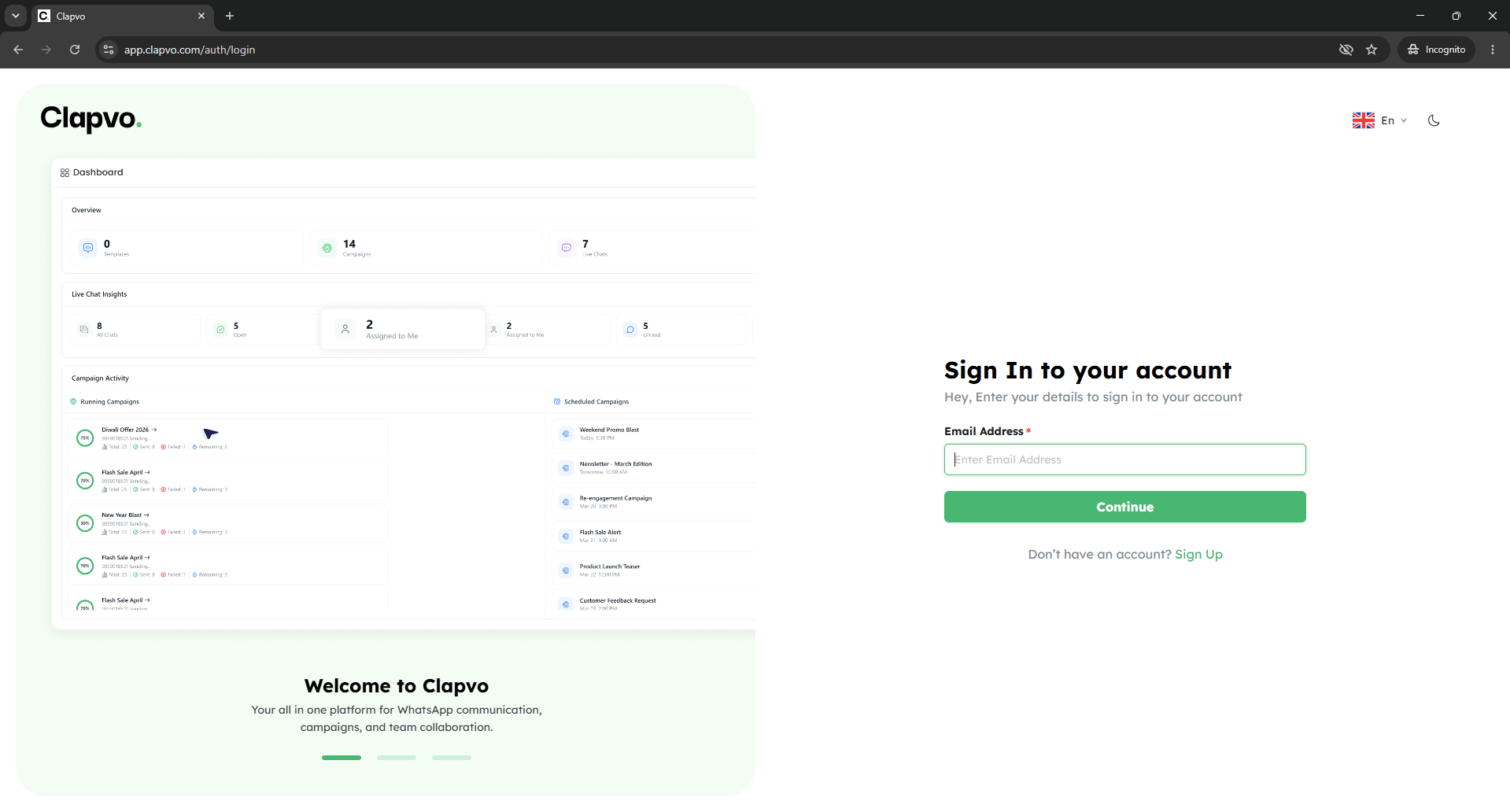
Sign in
Forgot password
1
Open the login page
Go to the Clapvo sign-in URL.
2
Enter credentials
Type your email and password.
3
Sign in
Click Sign in.
Reset password while signed in
1
Click forgot password
From the login screen, click Forgot password?
2
Enter your email
Submit and wait for the reset email.
3
Open the link
Click the link in the email.
4
Set a new password
Type and confirm a new password, then sign in.
Tips
- Reset emails expire. If yours has aged out, request a new one.
- Use a unique password not reused on other sites.