

Before you start
- An email address you can access right now
- A strong password
Steps
1
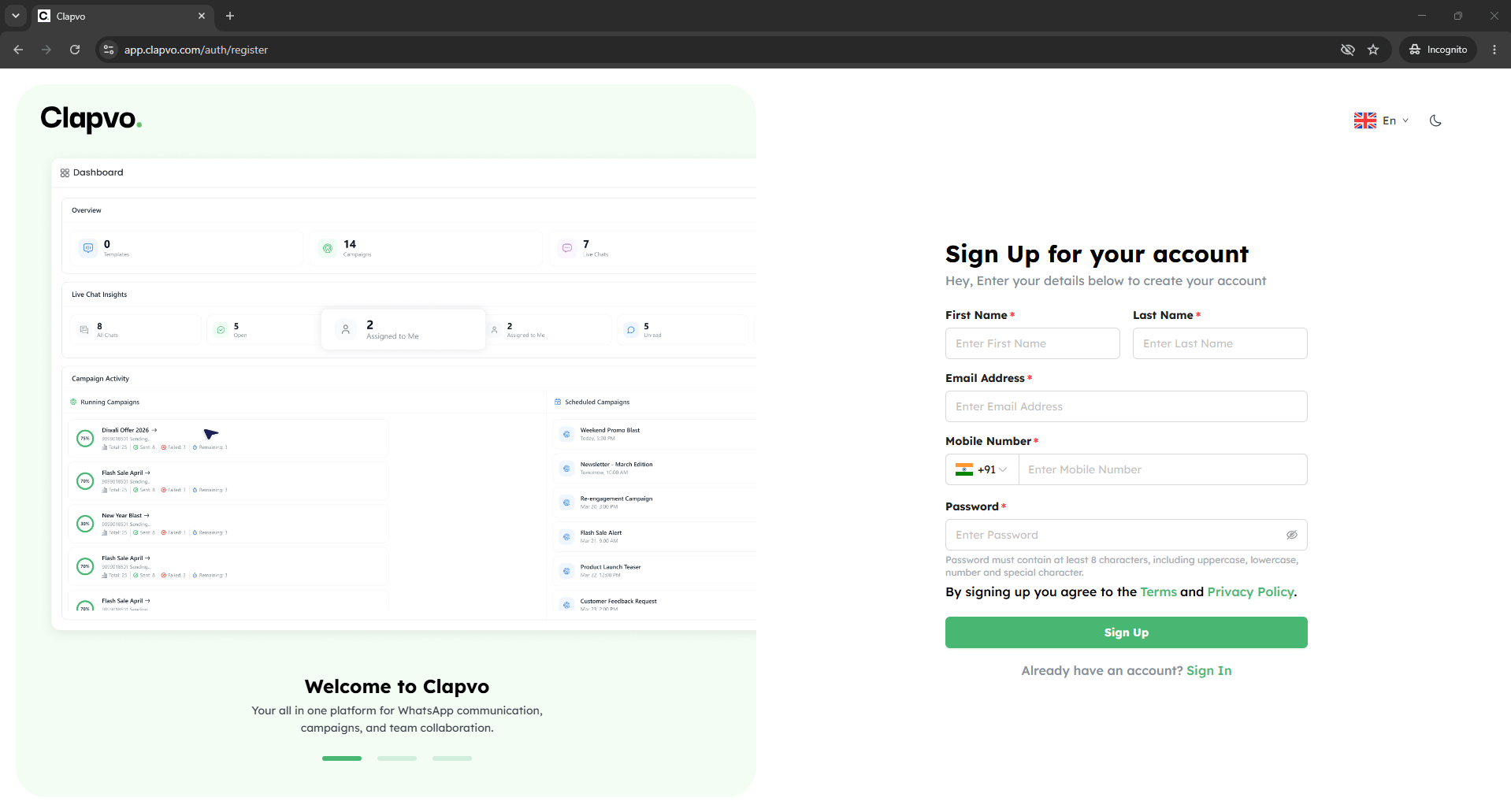
Open the sign-up page
Go to Clapvo and click Sign up.
2
Fill the form
Enter your name, email, and a password.
3
Submit
Click Create account.
4
Verify your email
Open the email Clapvo sends and click the verification link.
5
Sign in
Return to Clapvo and log in.
Tips
- Use a work email so teammates can recognize you when you start sending invites.
- If your verification link has expired, request a new one from the login screen.