
Key takeaways
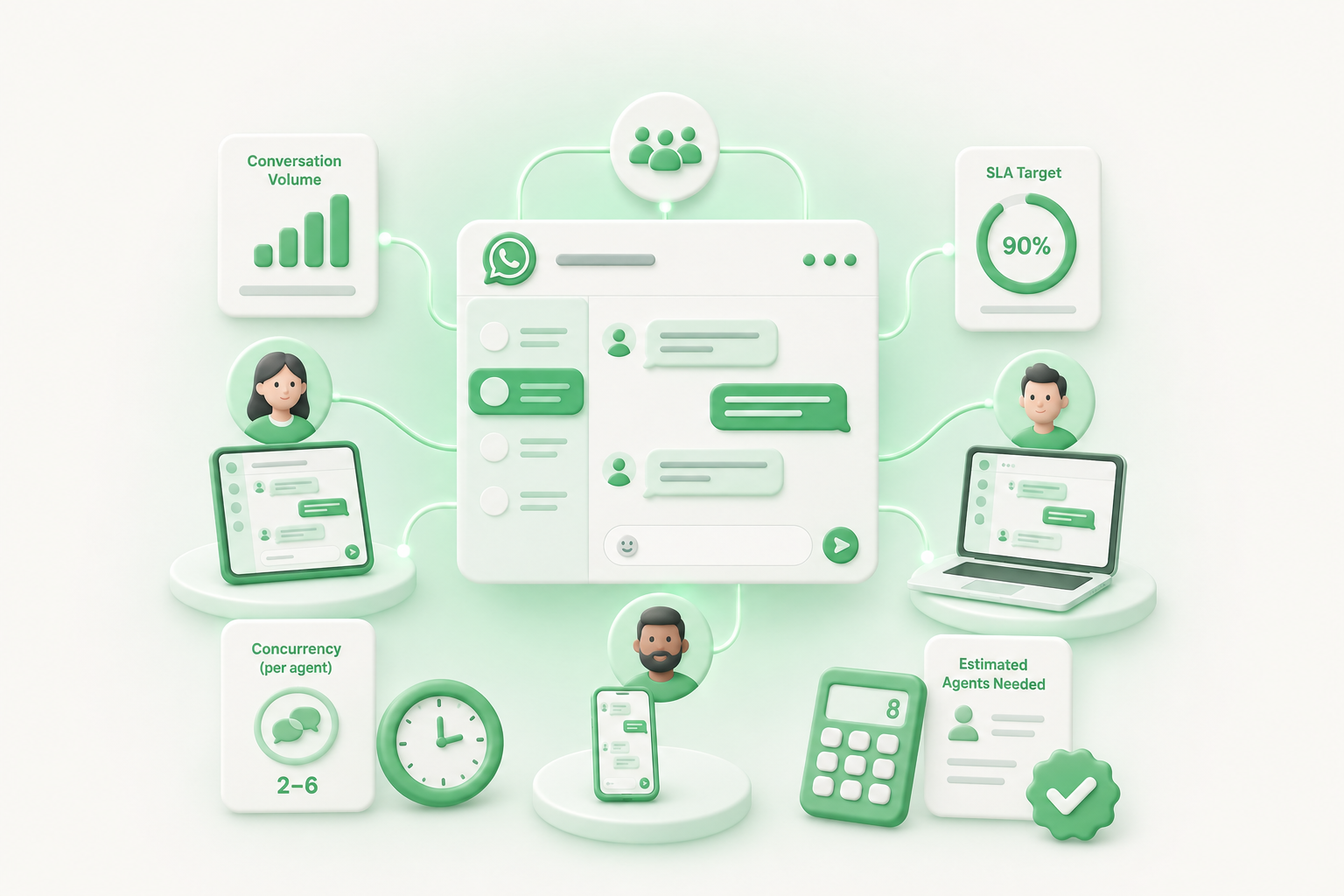
- ✓ There is no universal ratio for how many WhatsApp agents you need. Start with three numbers: conversation volume, how many chats one agent can realistically run at once, and your response time target
- ✓ Most support teams handle 2 to 6 concurrent chats per agent, and complex, policy-heavy conversations pull that number down, not up
- ✓ The WhatsApp customer service window gives you 24 hours to reply for free after a customer messages you. That is a compliance deadline, not a target: most SLAs should be far faster
- ✓ Add 30 to 35% on top of your base headcount for shrinkage (breaks, training, time off, sick days) before you call a staffing plan final
- ✓ Any numbers in this guide, including the worked example, are illustrative only. Use your own conversation logs to build a real staffing plan
How many WhatsApp agents do you need?
You need enough agents to cover your conversation volume, your response time target, and how many conversations one person can run at once without quality dropping. Those three numbers, not a fixed industry ratio, determine your headcount.
Conversation volume is conversations per day or per hour, not messages. A single WhatsApp conversation might involve ten back-and-forth messages over an afternoon. Response time target is the SLA you want to hit, which should be faster than the 24-hour window WhatsApp allows, because customers on a messaging app expect faster than email. Concurrency is how many open conversations one agent juggles without conversations sitting untouched or answers getting sloppy.
Get those three numbers from your own WhatsApp customer support logs before trusting anyone else's benchmark, including this one.
How many WhatsApp conversations can one agent handle at once?
Most agents handle between 2 and 6 concurrent chats, and where a team lands in that range depends on complexity, according to chat concurrency research. In practice, simple, repetitive requests like order status or account questions sit toward the top of that range, while anything that needs real thought pulls a single agent down toward the bottom.
Technical troubleshooting, billing disputes, or anything emotionally charged pulls that number down, sometimes to a single conversation at a time.
A useful way to check your own number is a concurrency ratio: divide total open conversations during a shift by the number of agents working that shift. If the result climbs past what your team can answer inside your SLA, you are understaffed, not just busy.
Do not assume WhatsApp behaves like live chat. Live chat customers usually wait on the page for an instant reply. WhatsApp conversations can pause for minutes between messages while the customer does something else, which changes how many conversations one agent can realistically carry without dropping the thread.
What counts as a good WhatsApp response time SLA?
A good WhatsApp SLA for most small support teams sits between a few minutes and a few hours, depending on how the conversation is prioritized, not the full 24 hours WhatsApp allows. Generic industry SLA response time tiers use four priority bands: 15 to 30 minutes for critical issues, 1 to 2 hours for high priority, 4 to 8 hours for medium, and one business day for low-priority requests like general questions.
Those bands were built for tickets and email, so treat them as a starting shape, not a WhatsApp-specific standard. Customers messaging a business on WhatsApp expect a channel that feels closer to texting a person than filing a ticket. A team that only replies once a day, right before the window closes, will feel slow even if it is technically compliant.
Set your SLA first, then staff to it. Staffing to "whenever we get to it" produces a response time, not a plan.
How the WhatsApp 24-hour window changes the staffing math
WhatsApp's customer service window opens for 24 hours every time a customer messages your business, and it resets each time they message again. Inside that window, agents can send free-form replies. Once it closes, you can only reach the customer with a pre-approved template message, which is built for notifications, not live conversation.
That window sets a hard staffing floor: someone has to reply before 24 hours pass, or the conversation drops out of free-form mode and gets harder to continue. For a small team, this usually means at least one person needs to check the WhatsApp inbox once every business day, even on a slow day, purely to avoid losing conversations to the window closing. It does not mean you need someone staring at the inbox around the clock. Read our 24-hour window rules guide for the full compliance picture, including opt-in requirements.
How do you calculate WhatsApp agents needed from your conversation volume?
Divide your expected conversations per hour by how many conversations one agent can handle per hour, then adjust for your SLA target. This mirrors the logic behind Erlang C, the decades-old formula call centers use to connect volume, handle time, and service level into a staffing number.
The formula needs three inputs: contact volume per hour, average handle time per conversation, and a service level target such as "80% of conversations answered within 10 minutes." Erlang calculators built for phone queues do not translate perfectly to WhatsApp's async, multi-conversation-per-agent reality, but the underlying question is the same: given this much incoming volume and this concurrency limit, how many people does it take to hit the target.
A simpler version for a small team: (conversations per day ÷ conversations one agent can handle per day) rounded up, then adjusted upward for shrinkage. The next two sections cover both pieces.
A worked example: staffing a small WhatsApp support team (illustrative only)
The numbers below are illustrative only, built to show the math, not a benchmark or a promise of what any real team will see.
Say a small e-commerce support team gets 240 WhatsApp conversations a day, spread across a 10-hour operating window, so about 24 conversations per hour at peak. If each agent can comfortably run 3 concurrent conversations, and the average conversation takes 20 minutes of active back-and-forth spread across replies, that agent can realistically close roughly 6 to 9 conversations per hour depending on how much of that 20 minutes is actual typing versus the customer thinking.
Dividing 24 conversations per hour by a conservative 6 per agent per hour suggests 4 agents on the floor at peak. That is the base number before shrinkage, time off, and the reality that volume is not flat all day. A team that staffs exactly to peak volume with zero buffer will fall behind the moment someone is out sick or a launch spikes traffic.
This example exists to show the calculation, not to set an expectation for your team's volume or headcount. Run the same math on your own conversation logs before deciding anything.
How much extra staffing do shrinkage and time off add?
Add roughly 30 to 35% on top of your base staffing number to cover shrinkage: the time agents are paid for but not available to answer conversations. Shrinkage includes breaks, meetings, training, coaching, and unplanned absence, and most established contact centers see it land in that range.
The correct way to apply it is division, not addition. If your base calculation says you need 4 agents, do not simply add 30%. Divide instead: 4 ÷ (1 − 0.30) = about 5.7, rounded up to 6. Adding percentages instead of dividing is one of the most common staffing mistakes and it quietly understaffs a team every time.
For a small team, shrinkage also includes something call centers rarely have to think about: one person out sick can be 20 to 33% of your entire WhatsApp coverage. Shrinkage and occupancy both shrink faster on a 4-person team than a 40-person one, so build in more buffer than the industry average suggests, not less.
How many WhatsApp agents do you need for 24-hour coverage?
You need more agents for 24-hour coverage than for a single shift, because one person can only cover a fraction of a 168-hour week. Full round-the-clock coverage of one position works out to roughly 4.2 full-time employees before any buffer, based on standard 24-hour coverage shift math (168 hours a week divided by 40 hours per employee), and closer to 5 once you add a standard absence buffer.
Most 3-to-20-person WhatsApp teams do not need true around-the-clock desk coverage. The 24-hour reply window gives room to check the inbox once a day even outside business hours, rather than staffing three full shifts. A more realistic small-team pattern is business-hours coverage from the core team, plus one designated person (often rotating) who checks the inbox once in the evening or on weekends specifically to catch anything approaching the window deadline. Save full shift-based 24-hour coverage for teams with genuinely global, always-on customer bases.
Signs your WhatsApp team is understaffed
Watch for these patterns before customers start complaining. Conversations routinely sit for hours before a first reply, even outside the window deadline. Agents run more concurrent conversations than the target and quality slips. The same conversation gets replied to twice by two different agents because ownership was unclear. Templates get used to restart conversations that closed simply because nobody replied in time. Peak-hour volume consistently outpaces the team's response capacity, not just on unusually busy days.
If you recognize two or more of these patterns, your staffing math is behind your actual volume, regardless of what the calculation above says it should be.
Getting the staffing math right as you grow
Staffing math for WhatsApp support is not a one-time calculation. Revisit it as conversation volume grows, as your SLA target tightens, or as you add more agents to the same WhatsApp number. The formula stays the same: volume, concurrency, SLA target, and a shrinkage buffer.
What changes with team size is coordination. Once more than one or two agents share a WhatsApp number, ownership and handoffs become the harder problem, not raw headcount. Clapvo's Gold tier includes a shared inbox with conversation assignment and private notes for up to 5 team members on one connection, starting at $15 a month, specifically so a small team can see who owns which conversation instead of guessing. Check the shared inbox features page for the full list of what's included before you scale the headcount.