
Key takeaways
- ✓ WhatsApp has no native booking system. Requests arrive as regular messages, and someone on your team has to catch, answer, and confirm each one by hand
- ✓ Booking confirmations fit WhatsApp's utility template category, which Meta built for messages sent in response to something a customer just asked for
- ✓ Reminders sent inside the 24-hour customer service window can go as a normal message; outside it, you need an approved template
- ✓ A shared inbox turns booking requests into assignable, trackable work instead of texts stuck on one person's phone
- ✓ An August 2025 industry poll found that practices holding steady or improving on no-shows credited frequent, two-way digital reminders, not a single automated blast
Can you do WhatsApp appointment booking without a bot?
Yes. Nothing about WhatsApp requires a bot to schedule an appointment. The app is a messaging channel, and a customer asking "do you have anything Thursday afternoon" is just a message like any other. Someone on your team reads it, checks availability wherever you already track it, a calendar, a paper book, a spreadsheet, and replies with open times.
This manual version is how most small service businesses already run WhatsApp appointment booking, and it works fine at low volume. The friction shows up once more than one person needs to answer, once requests land after hours, or once the number lives on a phone that is not always in the right hands. That is a team-organization problem, not a missing-bot problem, and it is the one this post focuses on.
What would a real WhatsApp appointment booking system need?
A real, automated WhatsApp appointment booking system needs three things a plain chat cannot supply on its own: a live calendar it can check, an interactive flow or approved template with selectable time slots, and logic that stops two customers from grabbing the same slot at once.
Meta's own building block for the confirmation step is the utility template category, one of three template categories alongside marketing and authentication that every message template falls into before Meta will approve it. Utility templates are meant for messages sent in response to something a customer just did, and the example Meta itself documents for this format is a restaurant reservation confirmation, complete with the date, time, and buttons to modify or cancel.
That covers the confirmation message. It does not cover checking real-time availability or holding a slot, which has to come from scheduling software, not from WhatsApp itself. Clapvo does not build that calendar layer today, and we are not going to describe it as if it does. What Clapvo gives a team is the shared workspace that catches and organizes the requests around whatever booking process you already run.
Why appointment requests get lost on a personal phone
A common pattern in small service businesses: the owner or one staff member owns the WhatsApp number on a personal phone, and every booking question goes through them. It works until that person is with a client, sick, or off for the day. The request sits unread, the customer books somewhere else, and nobody else on the team even knew the message arrived.
The same pattern shows up on staff turnover. When the person holding the phone leaves, the appointment history and the customer relationships tied to those chats often leave too. Appointment booking through WhatsApp only scales past one person once the number stops living on a single device and starts living somewhere the whole team can see.
How do WhatsApp appointment reminders actually work?
WhatsApp appointment reminders work differently depending on whether the customer has messaged you recently. Inside the customer service window that opens every time a customer messages you, you can send a normal free-form message, including a plain reminder. Outside that window, you need an approved template message; a normal text will not go through.
Reminders tied to a booking naturally fit the same utility category as the confirmation itself, since they are still a response to something the customer requested. We go deeper on the approval process, categories, and best practices in our message templates guide, and on the window rules themselves in our post on the 24-hour window.
Clapvo supports message templates and scheduled campaigns, so a team can prepare a reminder message and a template ahead of time and send it before the appointment. It does not automatically detect the window or trigger a reminder off a calendar event today, so treat the scheduling and the send as something your team still controls.
Do WhatsApp reminders actually cut no-shows?
Yes, appreciably, though how much depends on how they are used. An August 2025 poll of 265 medical practices by the Medical Group Management Association found that 73% reported no-show rates held steady or fell in 2025 compared with the year before. Practices that improved credited "frequent digital reminders, automated calls, and occasional live outreach," and specifically recommended two-way reminders that let a customer confirm, ask a question, or reschedule with a tap, rather than a one-way blast.
That lines up with how WhatsApp already behaves for a small team: a reminder that opens a real conversation, where the customer can reply "running late" or "need to move this," works better than a broadcast the customer cannot easily answer. A shared inbox is what makes those replies visible to whoever is covering the desk that day, instead of landing in a thread only one person can see.
When you need a dedicated booking tool instead
Reach for a dedicated scheduling tool once you need true self-serve booking, real-time calendar sync across multiple staff, or automatic double-booking prevention. That is a different job than messaging, and no amount of WhatsApp workflow replaces a real calendar engine.
Plenty of scheduling platforms already send their confirmations and reminders over WhatsApp or SMS as a notification channel. In that setup, the booking tool owns the calendar and WhatsApp is just where the message lands. A shared inbox still earns its place once those messages need a human reply, a question about parking, a request to reschedule, a note about a late arrival, because that is exactly the kind of back-and-forth a booking platform's one-way notifications are not built to handle.
How to handle WhatsApp appointment booking with Clapvo
Handling WhatsApp appointment booking with Clapvo means connecting your number to a shared workspace where assignment, private notes, and templates come built in, instead of bolting a booking bot onto WhatsApp. The calendar and the booking logic stay wherever your business already keeps them. Clapvo organizes the conversation around it.
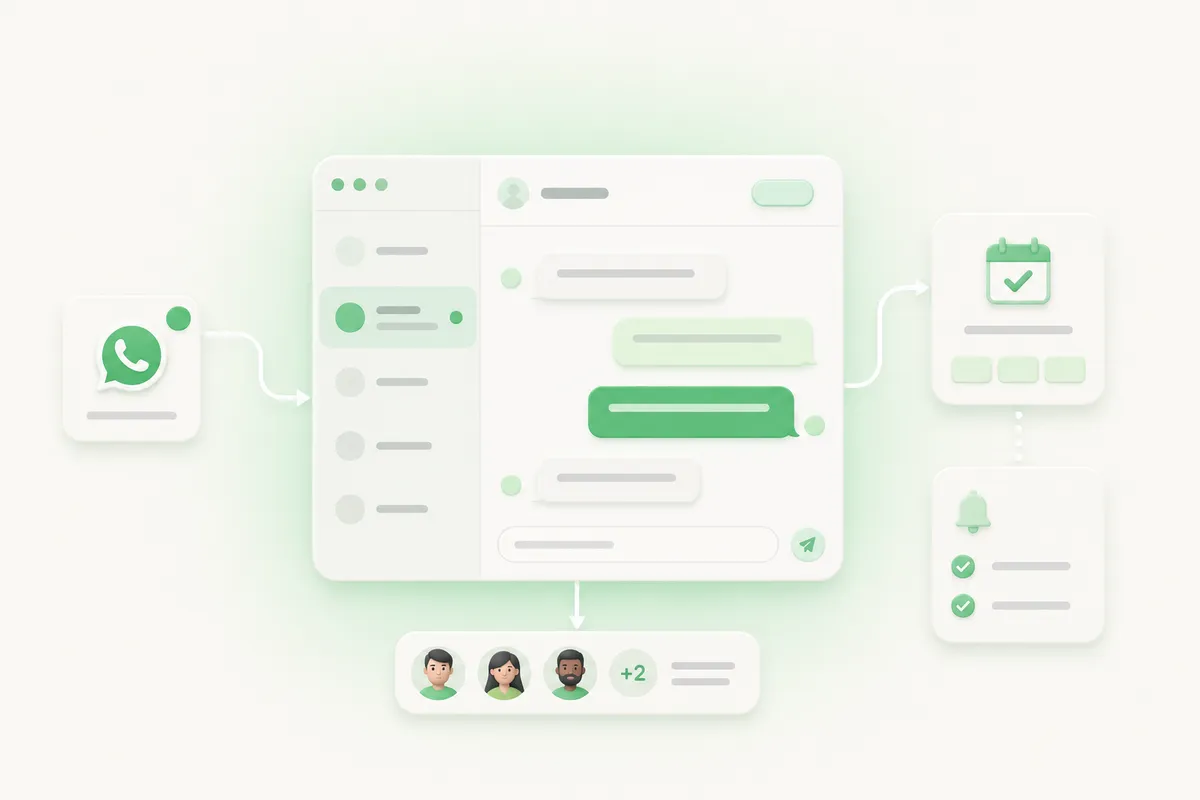
In practice, your front-desk team logs into one team inbox with individual logins and roles that control what each person can see and do. Incoming requests get labeled and assigned to whoever owns the calendar, private notes carry the agreed time between shifts, and prepared templates handle confirmations and reminders within Meta's rules. You can also review response times and queue health the same way we describe in our support playbook.
Pricing is per WhatsApp connection, not per agent. The Gold plan is $15 a month, or $149 a year, and includes the number plus 5 team members, the shared inbox with assignment and private notes, message templates, contact management, and role based permissions. There is a 7-day free trial with no credit card required. Full details are on the pricing page.
The short version: most small service teams do not need a booking bot to fix their WhatsApp appointment problem. They need the requests they are already getting to land somewhere the whole team can see, answer, and follow up on. That is a shared inbox problem, and it is one WhatsApp is already well suited to solve.