
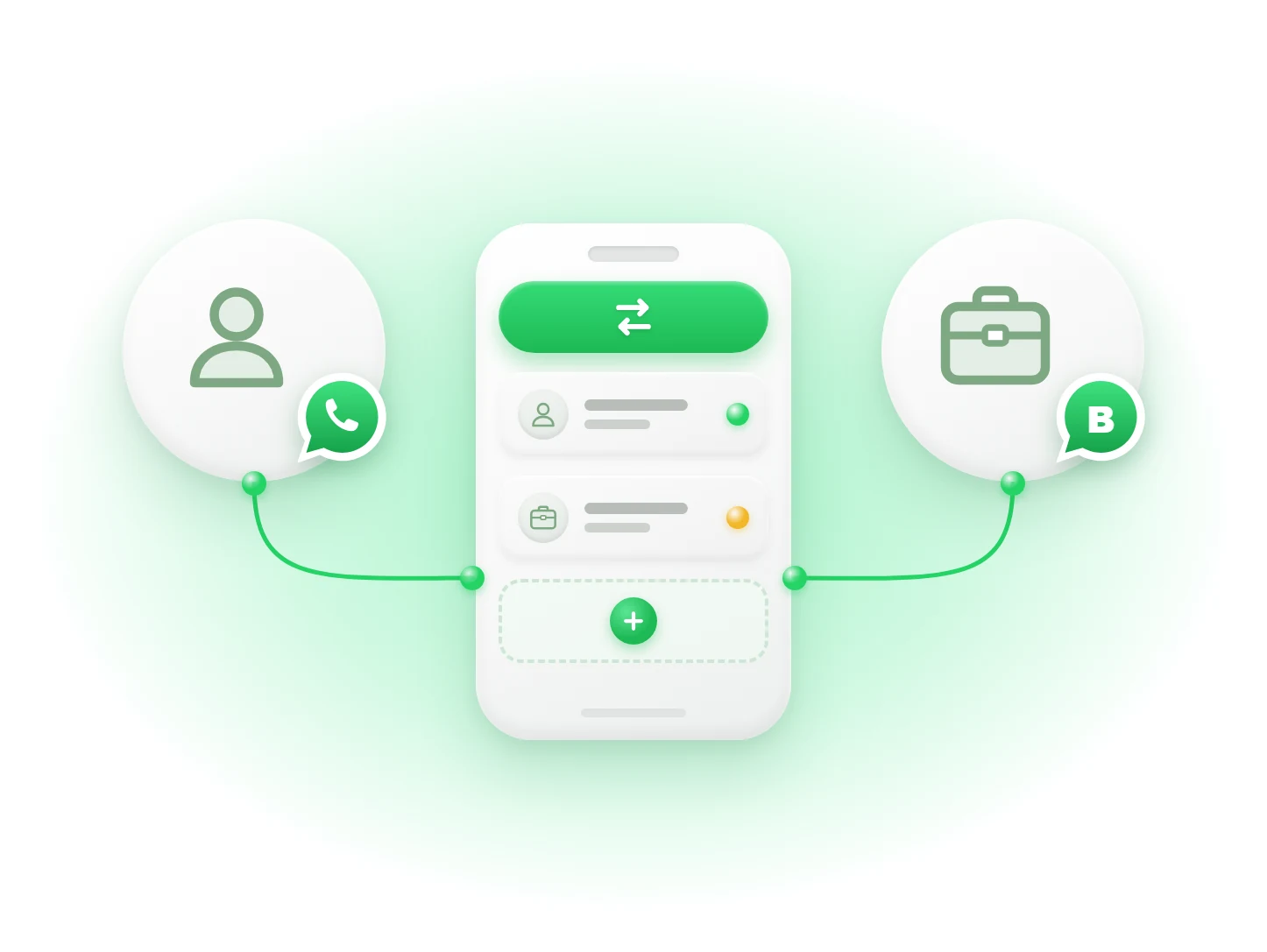
Key takeaways
- ✓ iPhone and Android both let you add a second account inside WhatsApp
- ✓ You can also use WhatsApp for personal chats and WhatsApp Business for work
- ✓ Each account needs its own phone number
- ✓ Do not use apps like GB WhatsApp. They can get your number banned
- ✓ If your team needs to reply to customers, use a shared inbox instead of sharing your phone
Can you have two WhatsApp accounts on one phone?
Yes. You can have two WhatsApp accounts on one phone. It works on both iPhone and Android.
You do not need a second phone. You do not need any special app.
You only need one thing: a second phone number. Each WhatsApp account needs its own number.
Most people do this to keep personal chats and work chats apart. This guide shows you the easy ways to do it.
What do you need first?
You need a second phone number that can get a code by SMS or phone call.
This can be a second SIM, an eSIM, an office landline, or a virtual number. A landline works because WhatsApp can call it with the code.
Don't have a second number yet? Read our guide on how to get a second number for WhatsApp.
How do you add a second account on Android?
Step 1: Update WhatsApp to the latest version.
Step 2: Open WhatsApp and go to Settings.
Step 3: Tap the arrow next to your name.
Step 4: Tap Add account.
Step 5: Enter your second number and type in the code you receive.
That's it. To switch accounts, go back to the same menu and tap the other account.
Each account has its own chats and settings. You get notifications from both.
How do you add a second account on iPhone?
Step 1: Update WhatsApp from the App Store.
Step 2: Open WhatsApp and go to Settings.
Step 3: Tap Account.
Step 4: Tap Add account.
Step 5: Enter your second number and type in the code you receive.
You can now switch between the two accounts from the Account menu. You do not have to log out.
Can't see Add account? Update the app and try again. This feature reached most iPhones in mid 2026.
Can you use WhatsApp and WhatsApp Business together?
Yes. This is the best option if one number is for work.
WhatsApp and WhatsApp Business are two separate apps. You can install both on the same phone.
Put your personal number in WhatsApp. Put your work number in WhatsApp Business.
Both apps stay open at the same time. You don't have to switch. You can see right away if a message is from a friend or a customer.
WhatsApp Business also gives you useful tools for free. You get a business profile, a product catalog, labels to sort chats, and automatic replies when you are away. Learn more in our guide to WhatsApp auto replies.
What about the dual app feature on Android phones?
Some Android phones can make a copy of an app. This lets you run two WhatsApp apps side by side.
On Samsung it is called Dual Messenger. On Xiaomi it is Dual Apps. On OnePlus it is Parallel Apps. On Huawei and Honor it is App Twin.
You turn it on in your phone settings. A second WhatsApp icon then shows up on your screen.
It works, but it depends on your phone brand. The copy can also miss notifications sometimes. Most people are better off using the built-in Add account option or WhatsApp Business.
Is GB WhatsApp safe to use?
No. Stay away from GB WhatsApp, WhatsApp Plus, and other modded apps.
These are fake copies of WhatsApp. Using them breaks WhatsApp's rules. WhatsApp can ban your number for it.
They are also not safe for your data. You are giving your chats and contacts to an unknown app maker.
Stick to the official WhatsApp and WhatsApp Business apps.
Which option should you pick?
Want both accounts in one app? Use Add account in WhatsApp.
Is one number for your business? Use WhatsApp for personal and WhatsApp Business for work. This is the best choice for most small business owners and freelancers.
Want two copies of WhatsApp on an Android phone? Use your phone's dual app feature.
Never use modded apps like GB WhatsApp.
What if your team needs to answer business chats too?
All the options above keep the account on your phone. That works when you are the only one replying.
It gets hard when other people need to help. You end up handing your phone to a colleague. They see your personal chats. Customers wait when you are busy or asleep. If someone leaves, the chats may leave with their phone.
Linking more devices does not really fix this. Everyone still shares one login. See our guide to WhatsApp Business on multiple devices for why.
The simple fix is a shared inbox. Keep your personal WhatsApp on your phone. Move the business number into a shared inbox where your team can reply from their own login.
How does Clapvo help?
Clapvo puts your business WhatsApp number in one shared inbox for your team.
Each person gets their own login. You can assign chats to the right person. Your team can leave private notes on a chat. The chats stay with your business, not on someone's phone.
The Gold plan costs $25 a month, or $199 a year. It includes one WhatsApp number and up to ten team members.
You can try it free for seven days. No credit card needed.
Want to see how it works for a team? Read our guide to the WhatsApp team inbox.
Can you use the same number for two accounts?
No. One phone number can only be on one WhatsApp account. If you set it up on a new account, the old one gets logged out.
Can you have three WhatsApp accounts on one phone?
Not in one app yet. WhatsApp allows two accounts per app. You can add a third by also installing WhatsApp Business with a third number. Each account still needs its own number.
Will two WhatsApp accounts get you banned?
No. Using two accounts in the official apps is allowed. Bans come from modded apps like GB WhatsApp, or from sending spam.
Can you use both accounts on WhatsApp Web?
Yes, but you link each one separately. Open the account on your phone, go to Linked devices, and scan the QR code. To use both on one computer, open one in your browser and the other in the WhatsApp desktop app.