
Key takeaways
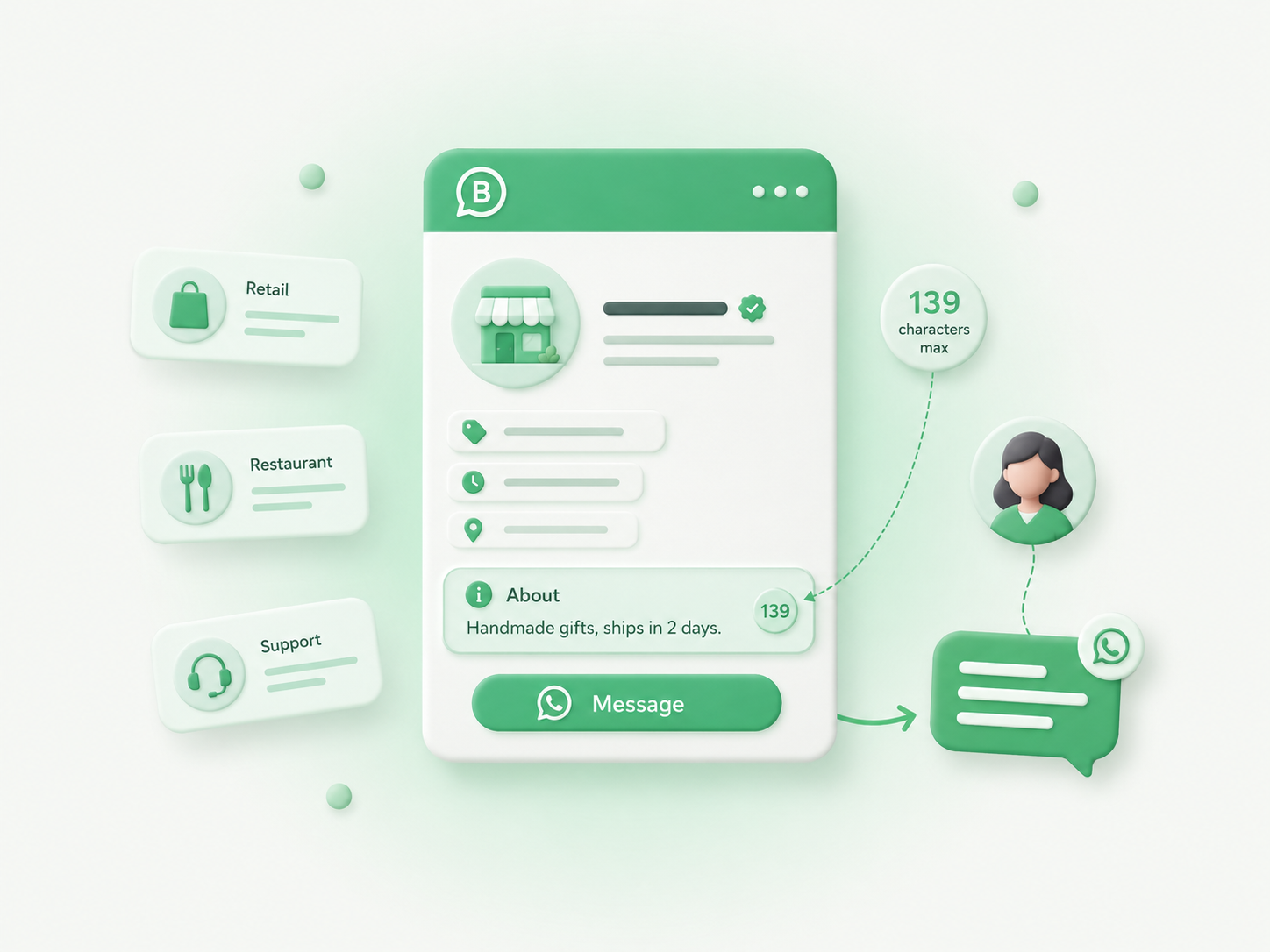
- ✓ WhatsApp Business actually has two separate text fields people call "About": the 139-character About (also labeled Status) and the longer, 512-character business description
- ✓ The About field is what shows under your name before someone opens a chat with you, so it works like a one-line pitch, not a full company bio
- ✓ Good About text answers one question in a few words: what does this number do for me if I message it
- ✓ Ready-to-adapt examples are included for retail, services, support teams, sales teams, solo founders, restaurants, and real estate
- ✓ Profile-level fields like About sit at the account level, so a shared number needs a clear owner for who can edit them
What is the WhatsApp Business About section, and how is it different from the description field?
The About section (WhatsApp still labels it "Status" in some menus, and most people just call it the bio) is a short line, capped at 139 characters, that shows on your profile before a customer opens a chat. It sits separately from the longer business description field, which allows up to 512 characters and lives inside your full Business Profile alongside your address, hours, and category.
Meta's own Cloud API business profile reference spells out the same split directly: the About field must be between 1 and 139 characters, while the separate description field has a 512-character limit. A lot of guides online list the description field as 256 characters; that number is actually the limit for the business address field on the same profile, not the description, so double-check any character count you read against Meta's own reference before you write to it. Bird's setup guide covers the same two fields for teams managing the profile day to day.
Most "what to write in WhatsApp Business About" searches are really asking about the 139-character field, since that's the text visible before a customer commits to opening the chat. That's the field this post is built around. If you also want to fill in the longer description, everything below works there too, just with more room.
How do you edit the About section on WhatsApp Business?
You edit it from Settings inside the WhatsApp Business app: tap your business name, then About, type your text, and save. There's no on-screen counter, so it's worth drafting your line somewhere you can count characters first.
Meta's own help center covers business profile setup, and the general WhatsApp Business app product page walks through why a complete profile matters before you ever send a message. If you're on the API side instead of the app, the description field is a distinct property on the business profile object, separate from the personal-style About text.
Character limits across WhatsApp's various fields aren't consistent by design; they exist for different UI slots. A broader rundown of WhatsApp's limits and how they compare to message-level messaging limits is useful context if you manage more than one number.
What should you actually write in your About section?
Write what the number does for the person reading it, not a slogan about your company. With 139 characters, you have room for one idea: what you sell or do, and often a light cue on when or how fast you reply.
A formula that works for most small businesses: [what you do] + [one differentiator or expectation]. Skip the mission statement. Skip "welcome to our official WhatsApp." Nobody taps chat because of either.
A few things worth including if the characters allow: the core thing you do, in plain words a stranger would use; a response-time or hours cue ("Replies within the hour, Mon-Fri"); one differentiator, whether that's price, speed, specialty, or scope.
A few things to leave out: your full company name if it's already the display name; legal boilerplate or a slogan with no information in it; anything that will go stale in a month, like a sale or an event date.
WhatsApp Business About section examples by business type
The best About text sounds like the business it belongs to, not a template. Here are starting points across the business types that tend to search for this.
A retail or ecommerce store should lead with what it sells and how fast someone gets it. "Handmade candles, ships in 2 days. Message for custom scents." or "Sneaker restocks and sizing help. We reply fast, ask away."
A service business should name the service and the practical detail people actually want: hours, booking, or turnaround. "Licensed electrician, same-week booking. Send a photo of the issue to start."
A support team should set the expectation, not the department name. "Order and account support. Human replies, usually within an hour."
A sales team should say what a message gets someone, without sounding like an ad. "Pricing and demos for [product]. Message us, no forms to fill out."
A solo founder or freelancer should be specific about the work and how they take it on. "Freelance brand design, one project at a time. Portfolio and quotes on request."
A restaurant or food business should cover what it serves and the one thing people ask most: hours, delivery, or reservations. "Wood-fired pizza, open till 10pm. Message to reserve a table or order pickup."
A real estate agent or property manager should name the market and the ask. "Rentals and sales in [neighborhood]. Send your budget and I'll send listings today."
Which WhatsApp Business About section examples should you avoid?
Avoid anything generic enough to belong to any business, anything that duplicates your display name word for word, and anything time-sensitive that you'll forget to update. "Welcome to our page" tells a customer nothing about what happens if they type a message.
Two more traps worth naming. First, writing the About text once at setup and never touching it again, even after the business changes hours, offerings, or who answers. Second, cramming in every service you offer instead of the one thing most people are messaging about; 139 characters rewards a single clear idea over a full menu.
Quick checklist before you save your About section
Before you save, check that it says what you do in words a stranger would use, sets an honest expectation on reply time or hours, stays under 139 characters without wasting words on the display name, would still make sense in three months rather than referencing something temporary, and that more than one person on your team knows it exists and who can edit it.
Final thought
The About section is a small field doing a specific job: turning a profile view into a first message. Pick the example closest to your business above, cut it down to what's actually true about how you work, and update it the next time your hours, offer, or team changes. That's a better return on 139 characters than most businesses get.