> ## Documentation Index
> Fetch the complete documentation index at: https://clapvo.com/docs/llms.txt
> Use this file to discover all available pages before exploring further.
# Sign in and account security
> Log in to Clapvo, recover a forgotten password, and reset your password.
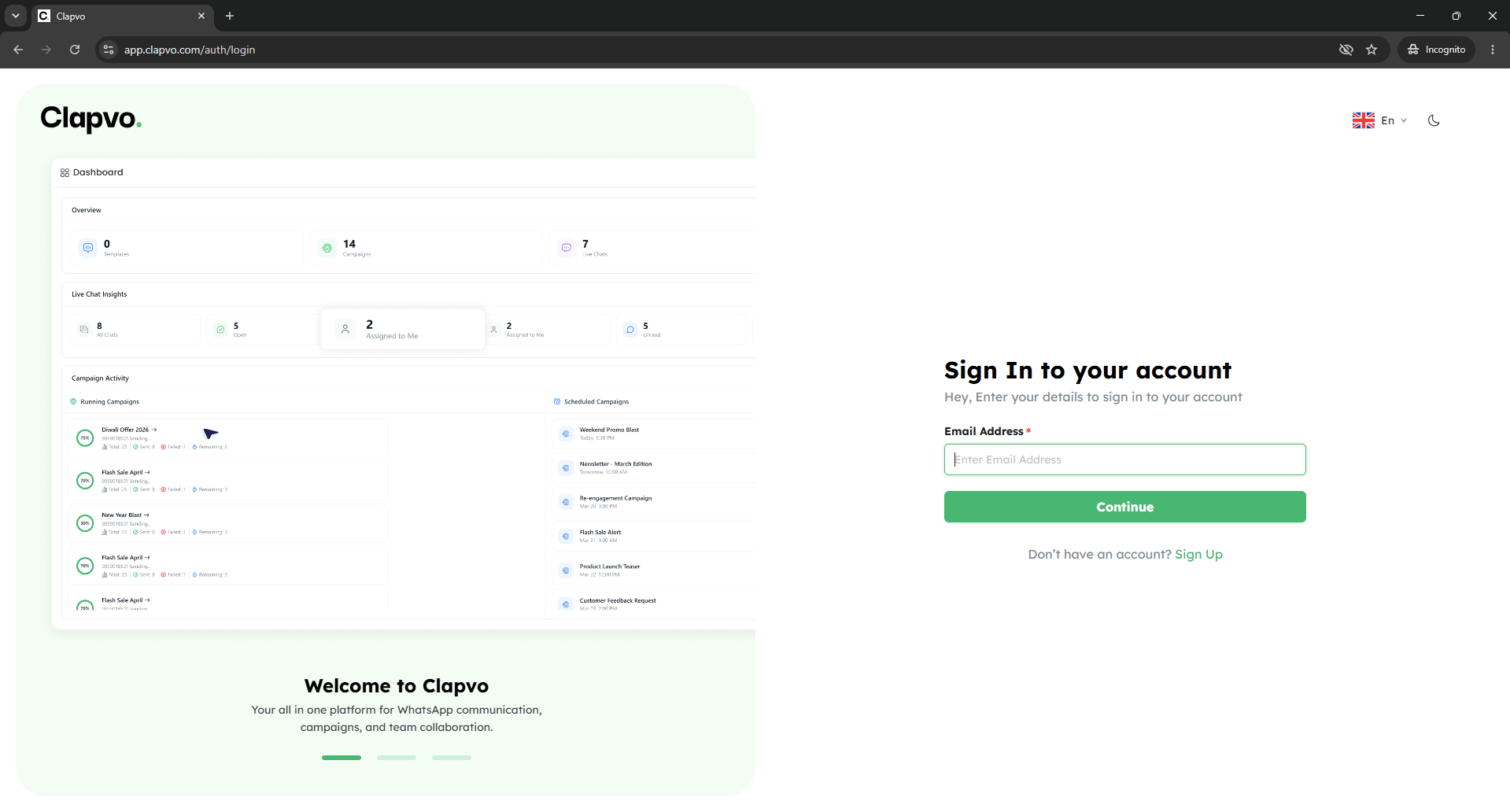 Everyday access plus the recovery paths when something goes wrong.
## Sign in
## Forgot password
Go to the Clapvo sign-in URL.
Type your email and password.
Click **Sign in**.
## Reset password while signed in
From the login screen, click **Forgot password?**
Submit and wait for the reset email.
Click the link in the email.
Type and confirm a new password, then sign in.
You can also change your password from your profile. See [Change password](/docs/getting-started/profile/change-password).
## Tips
* Reset emails expire. If yours has aged out, request a new one.
* Use a unique password not reused on other sites.
## Related
* [Change password](/docs/getting-started/profile/change-password)
* [Login issues](/docs/support/troubleshooting/login-issues)
Everyday access plus the recovery paths when something goes wrong.
## Sign in
## Forgot password
Go to the Clapvo sign-in URL.
Type your email and password.
Click **Sign in**.
## Reset password while signed in
From the login screen, click **Forgot password?**
Submit and wait for the reset email.
Click the link in the email.
Type and confirm a new password, then sign in.
You can also change your password from your profile. See [Change password](/docs/getting-started/profile/change-password).
## Tips
* Reset emails expire. If yours has aged out, request a new one.
* Use a unique password not reused on other sites.
## Related
* [Change password](/docs/getting-started/profile/change-password)
* [Login issues](/docs/support/troubleshooting/login-issues)