> ## Documentation Index
> Fetch the complete documentation index at: https://clapvo.com/docs/llms.txt
> Use this file to discover all available pages before exploring further.
# Create your account
> Sign up and verify your email to start using Clapvo.
## Before you start
* An email address you can access right now
* A strong password
## Steps
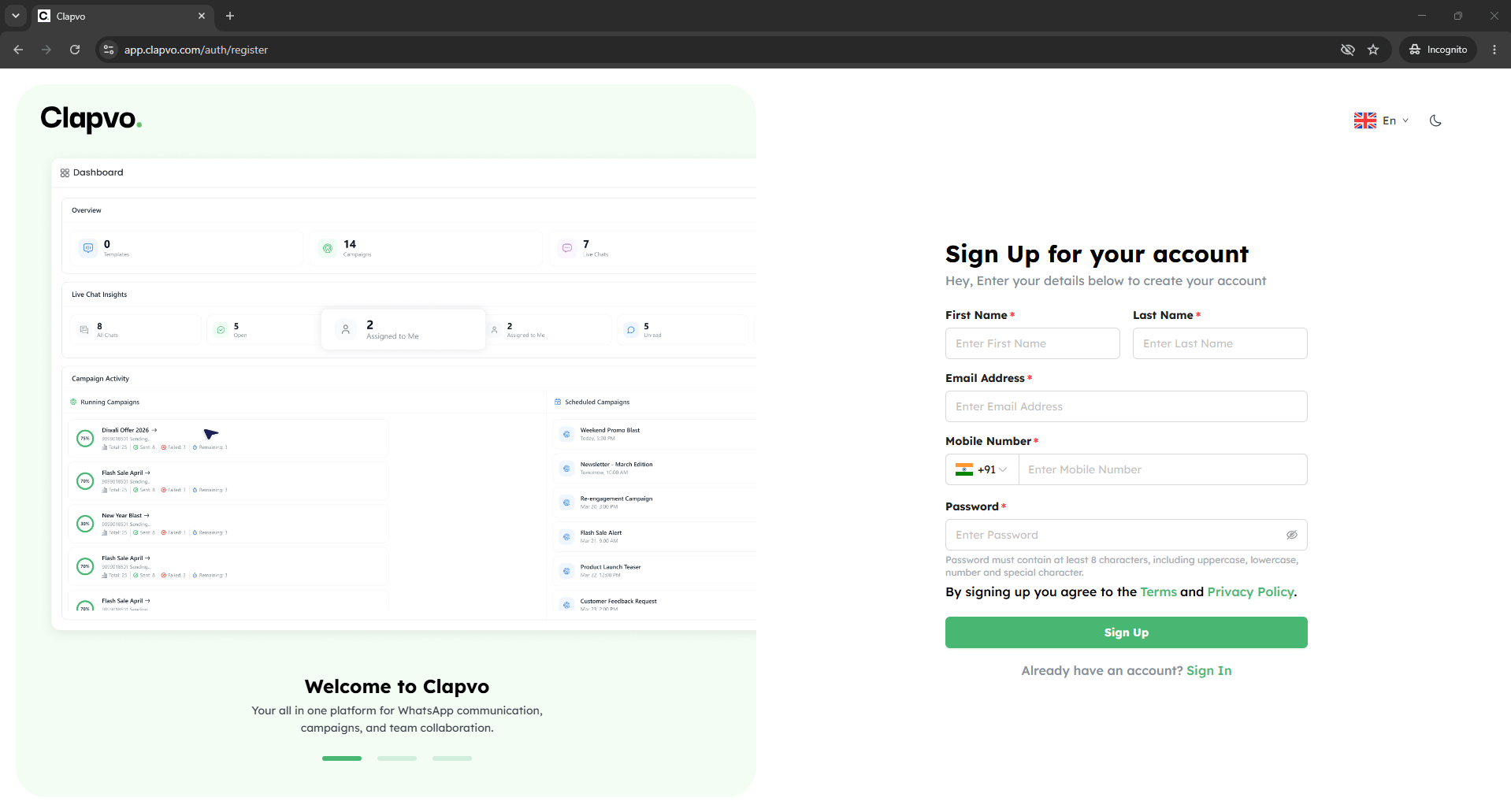
Go to Clapvo and click [**Sign up**.](https://app.clapvo.com/auth/register)
Enter your name, email, and a password.
Click **Create account**.
Open the email Clapvo sends and click the verification link.
Return to Clapvo and log in.
## Tips
* Use a work email so teammates can recognize you when you start sending invites.
* If your verification link has expired, request a new one from the login screen.
## Related
* [Sign in and account security](/docs/getting-started/sign-in-security)
* [Create an organization](/docs/getting-started/organization/create-organization)
 ## Before you start
* An email address you can access right now
* A strong password
## Steps
## Before you start
* An email address you can access right now
* A strong password
## Steps